Browse / Hardware / Misc Cards
CoGS Co-Processor & Network Card
| Year | 2026 |
|---|---|
| Publisher | Rob Perissi / a2cogs.com |
| Developers | Rob Perissi |
| Slot Number | Any slot 1 to 7 (slot 7 typical on a IIGS) |
| RAM Requirement | None beyond the host's own |
| Other Requirements | Apple ][+, //e, or IIGS. 2.4 GHz Wi-Fi (WPA2) or wired Ethernet |
| Release Status | In production |
About
CoGS is a single-slot co-processor and network card for the Apple II family, built around a Raspberry Pi Pico 2 W. The idea behind it is that the hard parts of talking to the modern internet, TLS, HTTPS, JSON, hashing, and true random numbers, are done on the card, and the Apple II is handed plaintext over a sixteen-register bus interface. The machine stays in charge of everything else. The same board drops into a ][+, a //e, or a IIGS, and on a IIGS it also feeds the Ensoniq and the Super Hi-Res screen.
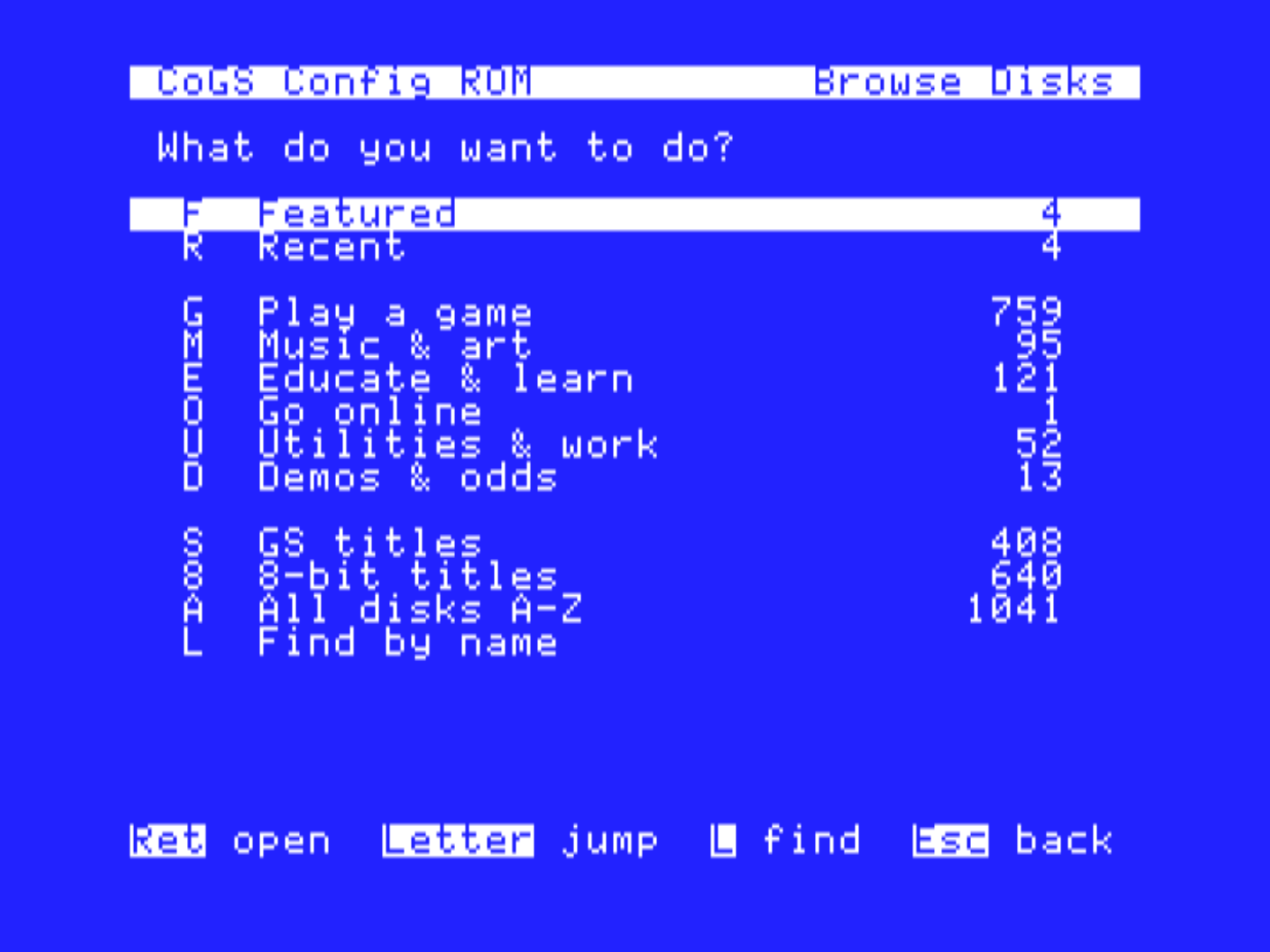
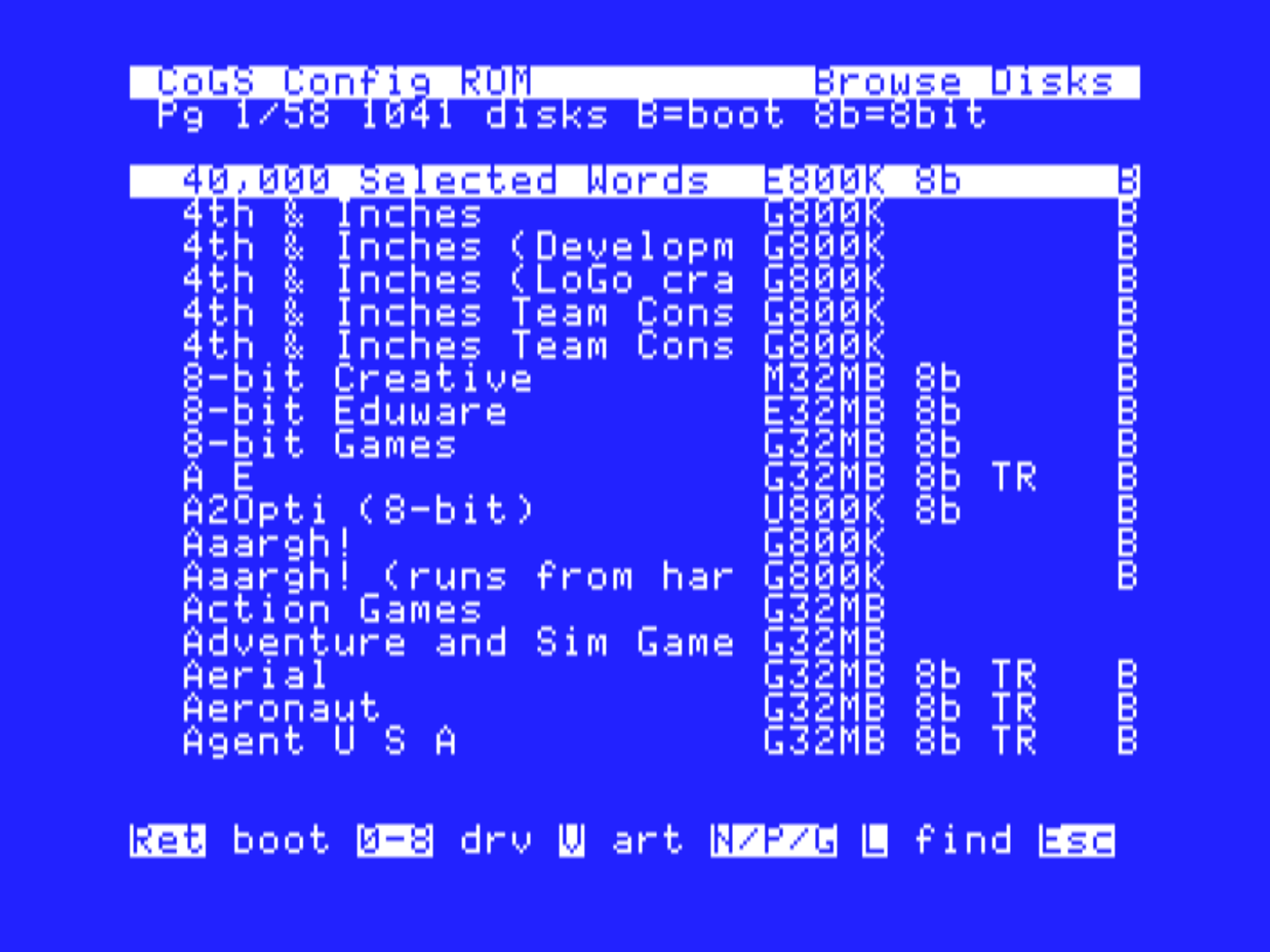
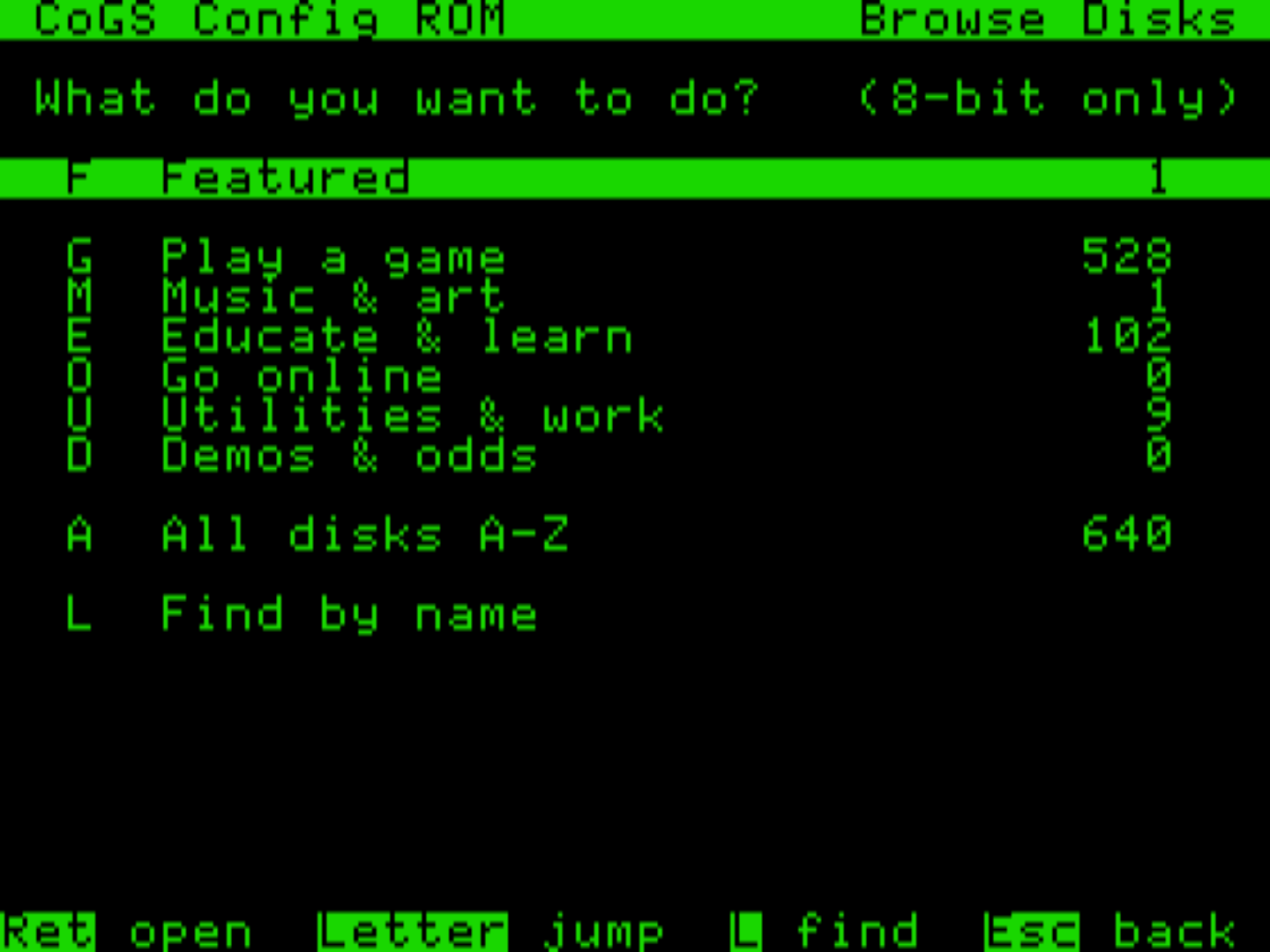
The feature most people meet first is the network disk. Drop the card in a slot and power on, and its own configuration ROM comes up before any operating system. From there you join Wi-Fi (or plug in Ethernet), browse a catalog of about 2,200 disk images by category, by machine, or A to Z, and press Return. The Apple boots the image over the internet, block by block, with no local storage, no SD card, and nothing installed on the machine. Total Replay, the MECC library, Brutal Deluxe's recent releases, and the collection volumes from this archive are all in the same list. The Browse hub has Featured and Recent shelves (the last twelve disks you used), shelves by genre, by machine (IIGS or 8-bit), an A to Z list, and a find-by-name search, and V on any row shows its box art. Every title page on this site that carries the CoGS ribbon is in that catalog, and the Stream It page explains how the two connect.
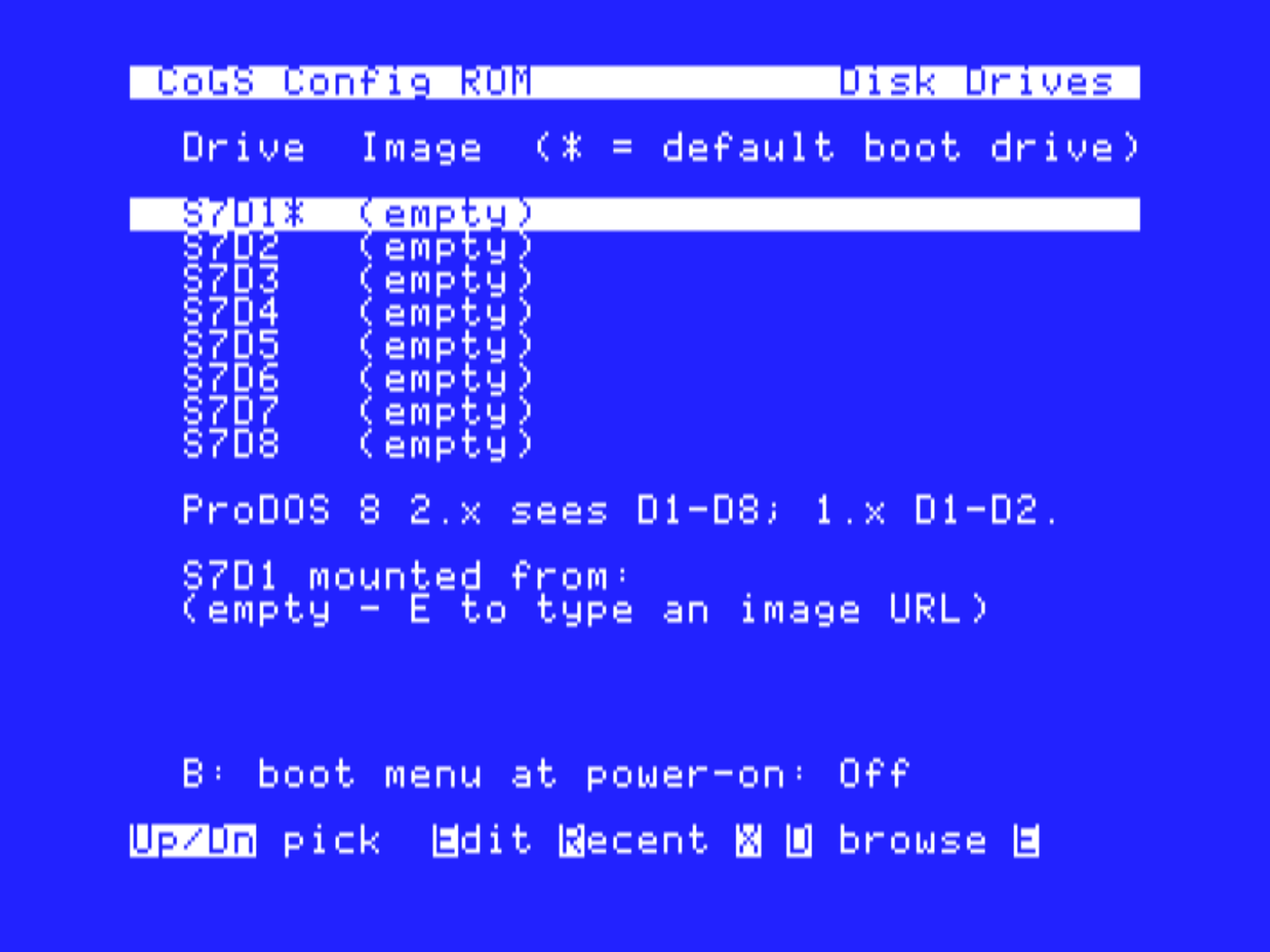
The card presents up to eight SmartPort drives at once, D1 through D8, so a game can sit beside a GS/OS boot volume, and GS/OS and ProDOS 8 2.x see all of them on any Apple II. Return boots a disk on D1; a digit mounts it on another drive; E on the Disk Drives page mounts any disk image URL you type in. Holding a drive number through power-on boots that drive, holding M opens the menu, and an optional boot menu can list the drives for a few seconds at power-on so you can pick without holding a key.
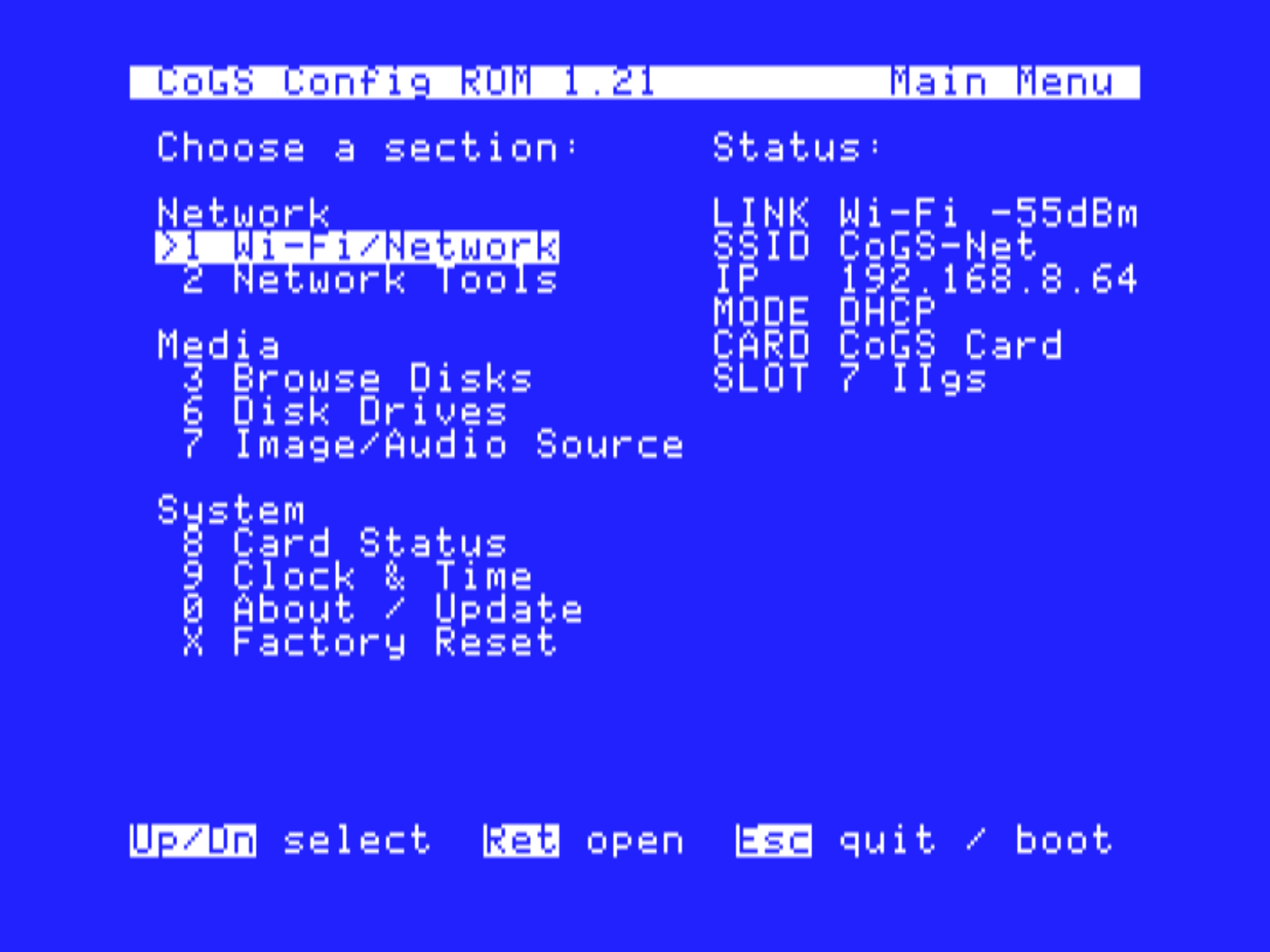
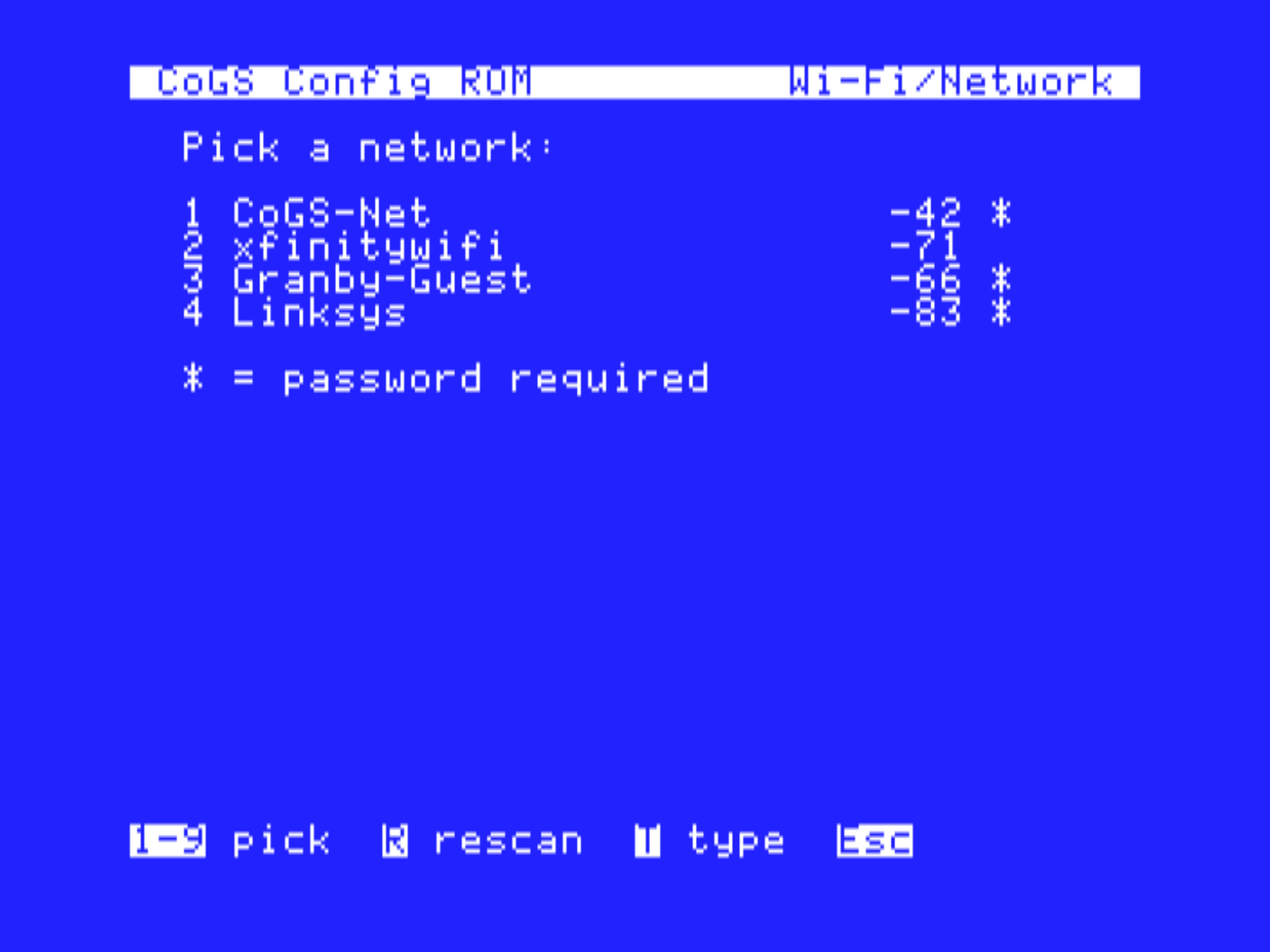
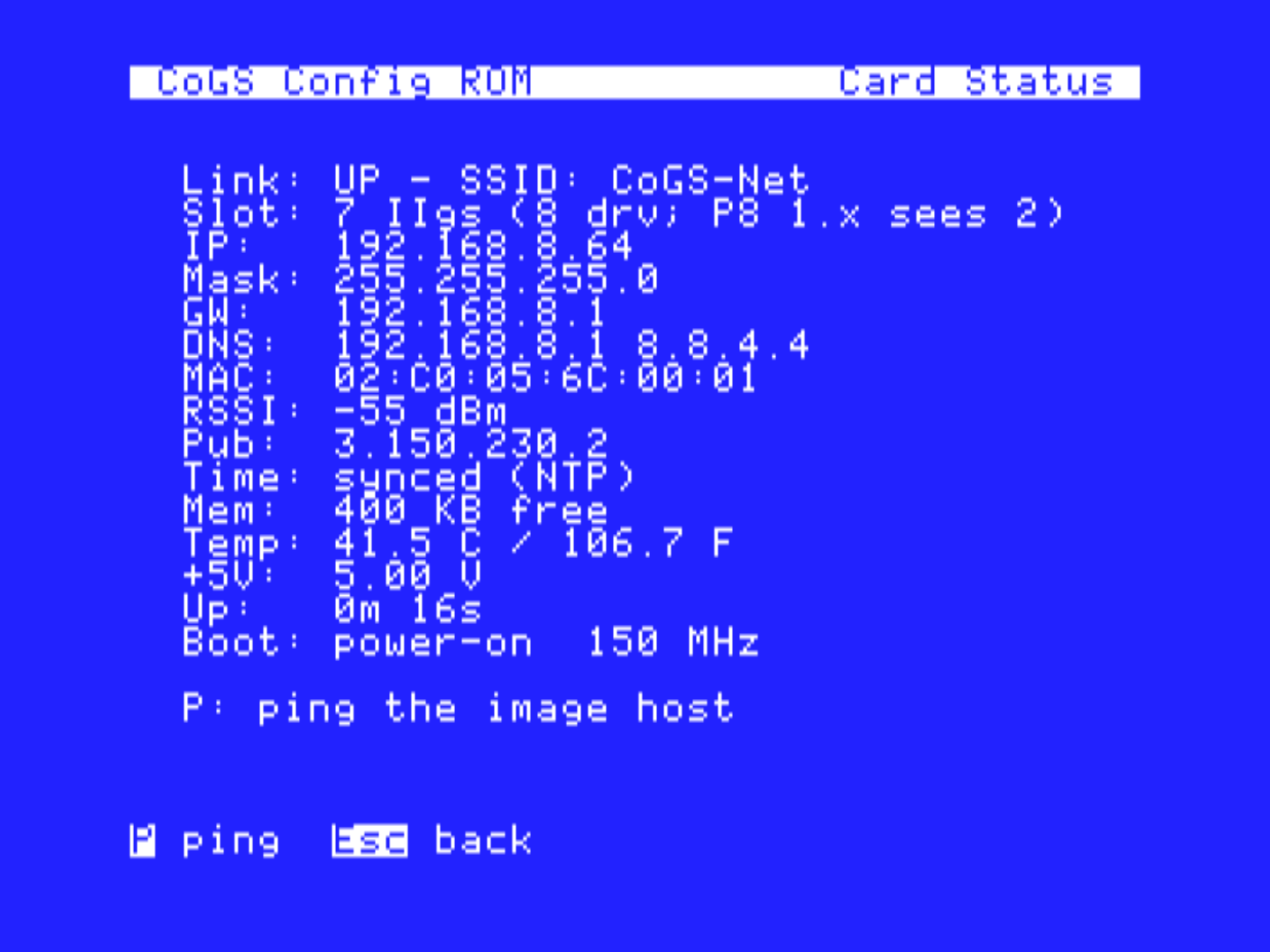
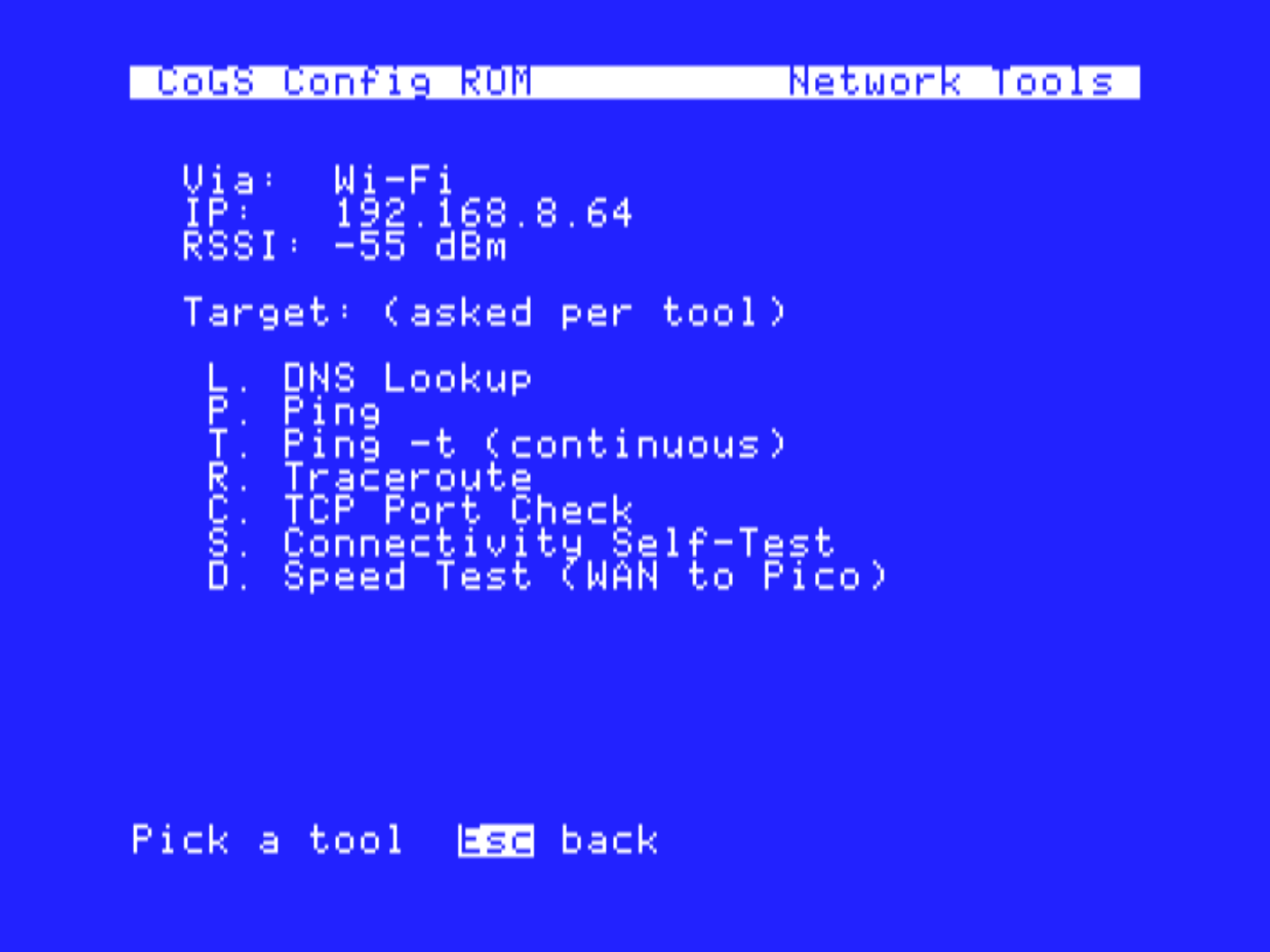
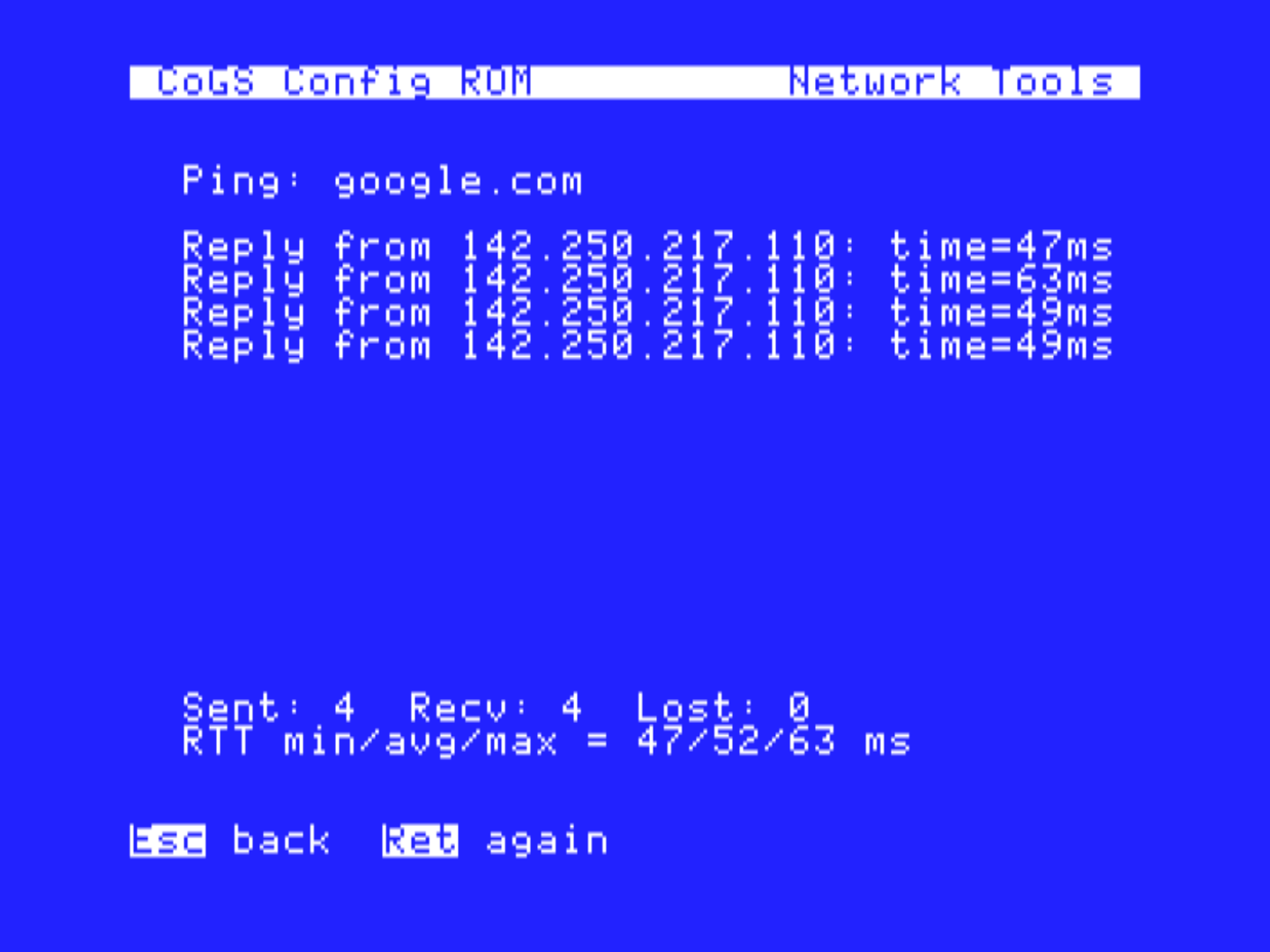
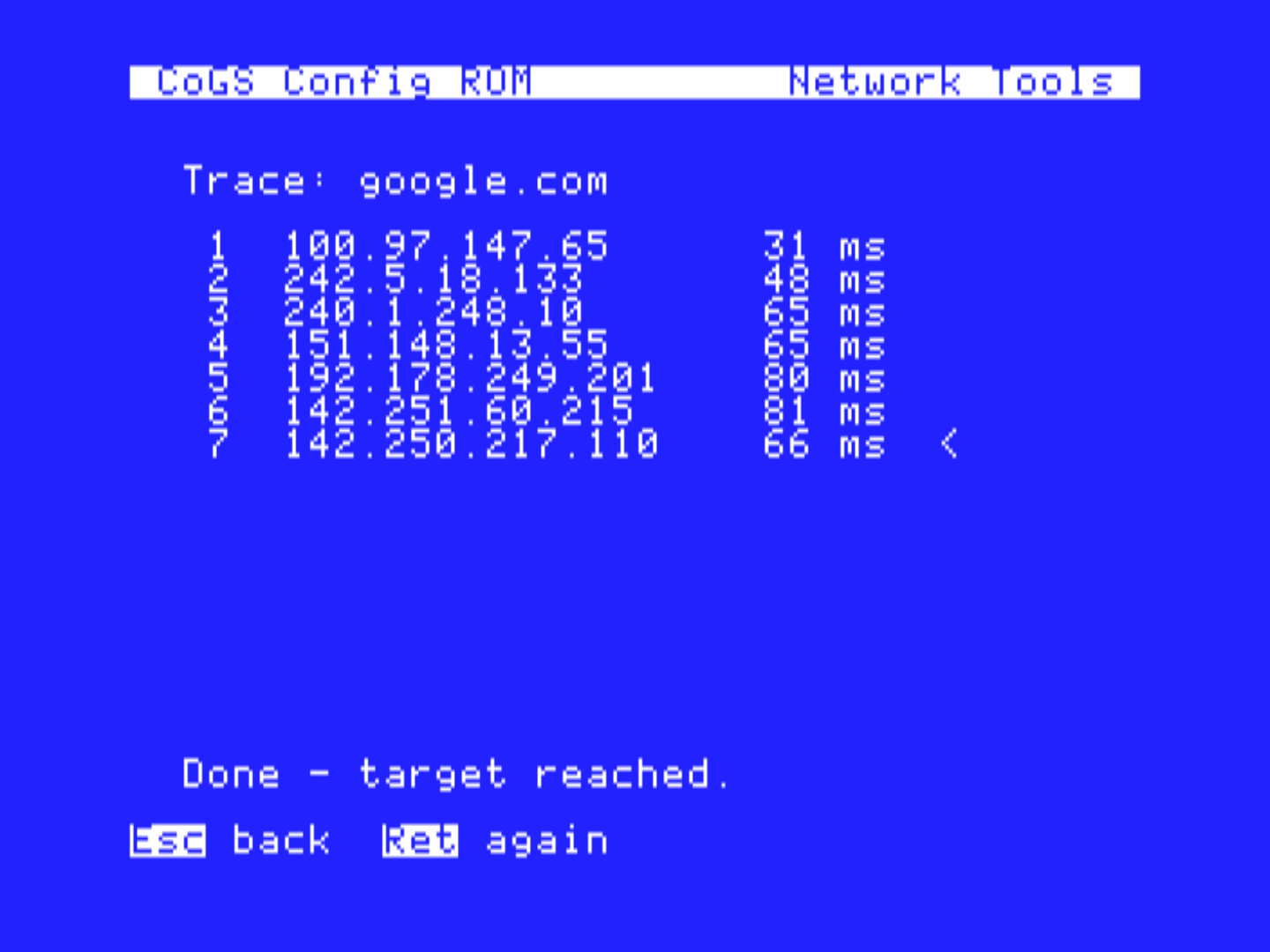
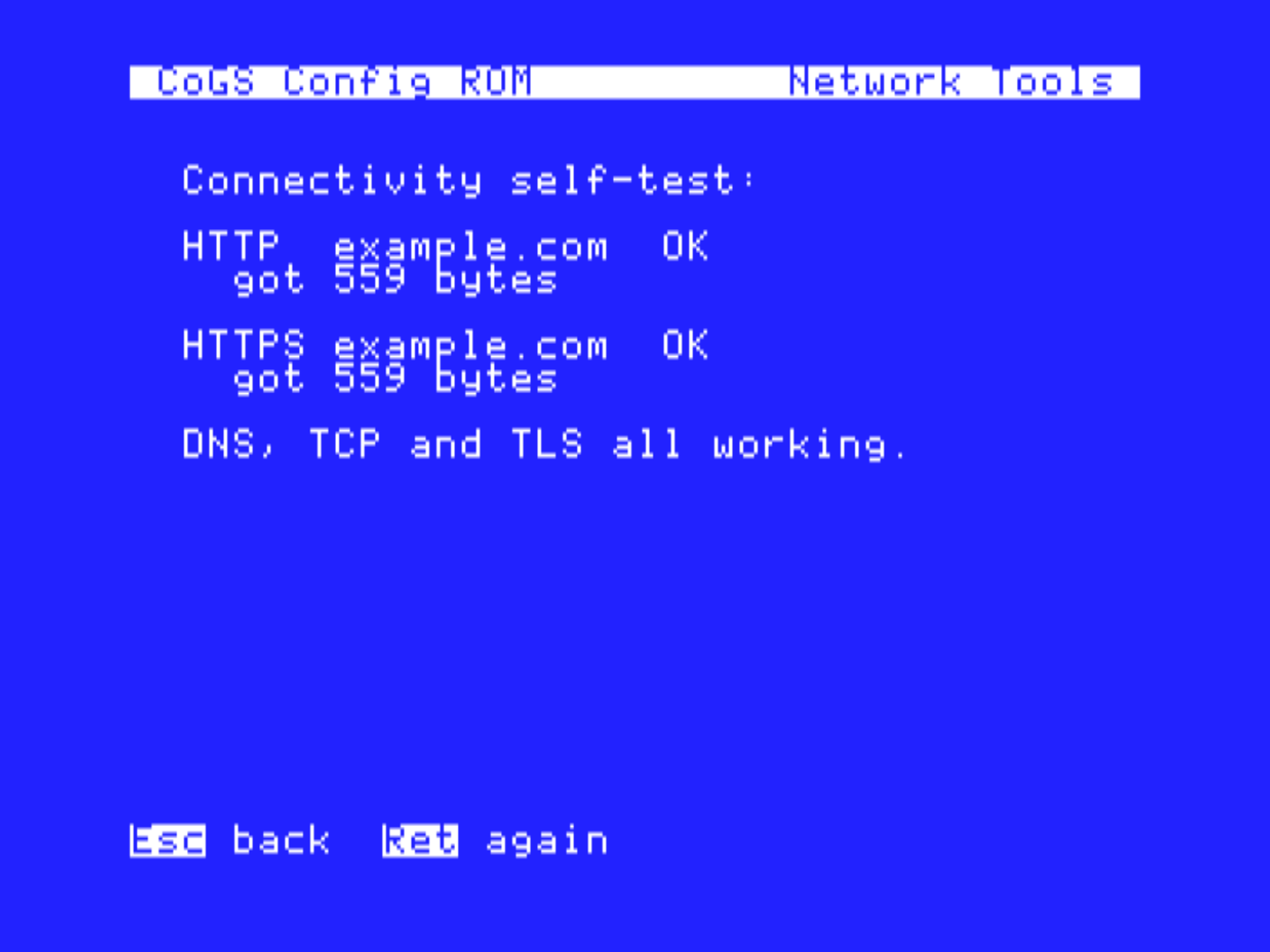
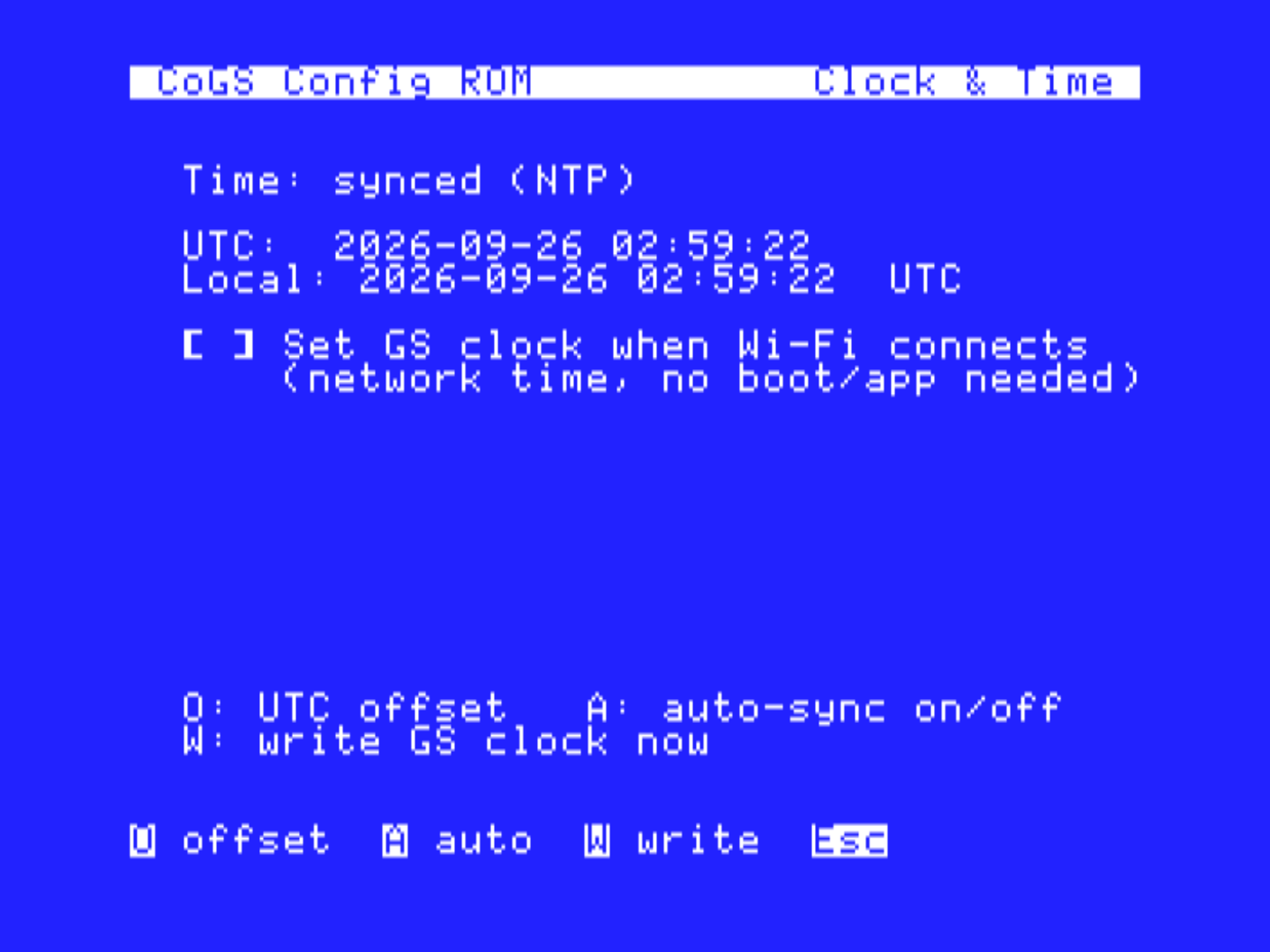
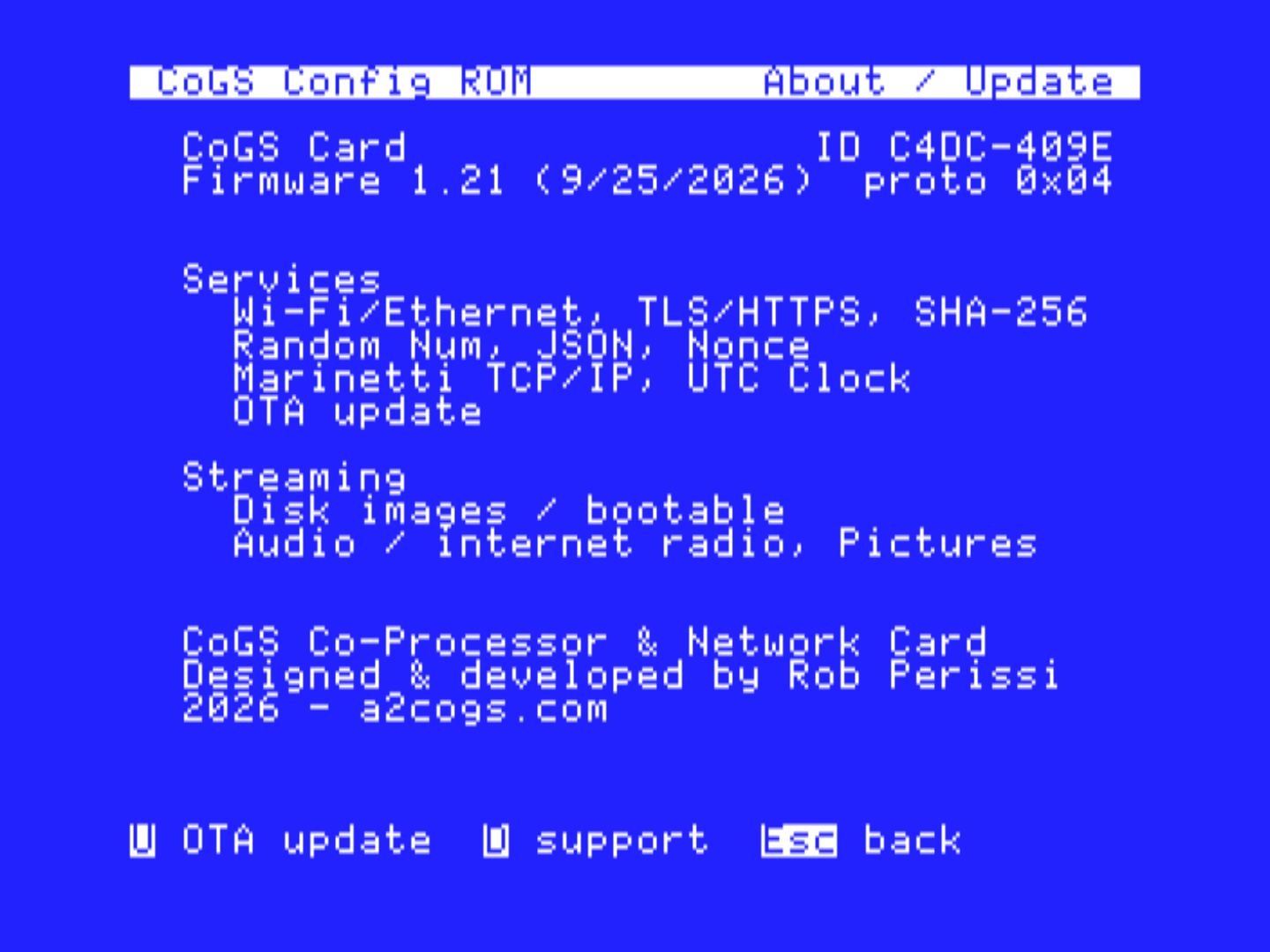
The ROM menu is also a network toolkit. Wi-Fi Setup scans for networks and remembers them; Card Status shows link, address, mask, gateway, DNS, MAC, public address, clock sync, free memory, temperature, the +5 V rail, and uptime; and Network Tools runs DNS lookup, ping (four echoes or continuous), traceroute, a TCP port check, a DNS/TCP/TLS connectivity self-test, and an HTTPS speed test, all on the card. Clock & Time takes the time from NTP (or HTTP when NTP is blocked) and can set the IIGS clock automatically when Wi-Fi connects. About / Update shows the firmware version and the card's services, opens the over-the-air updater, and has a Support Snapshot screen that puts everything a support question needs on one page.
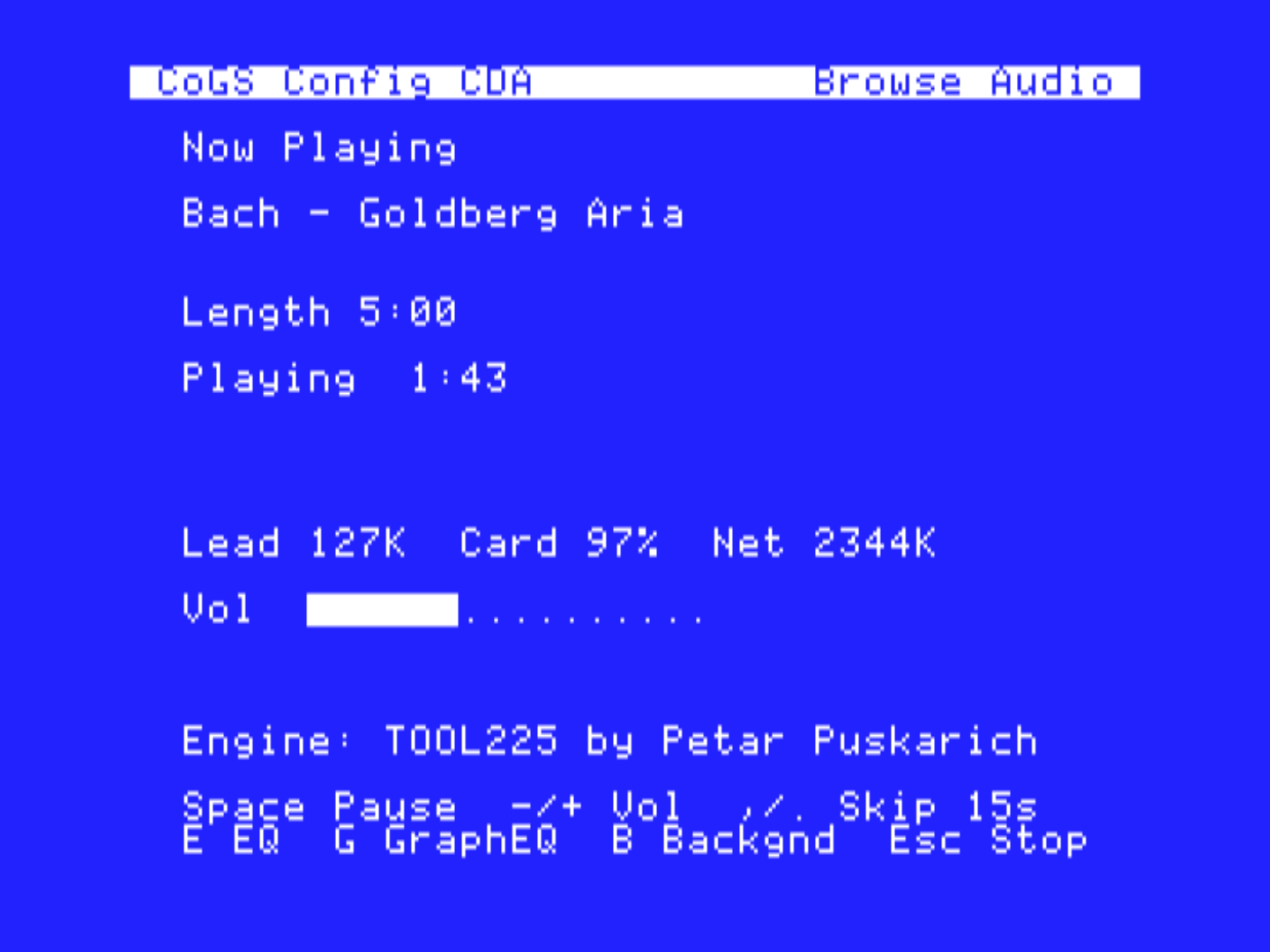
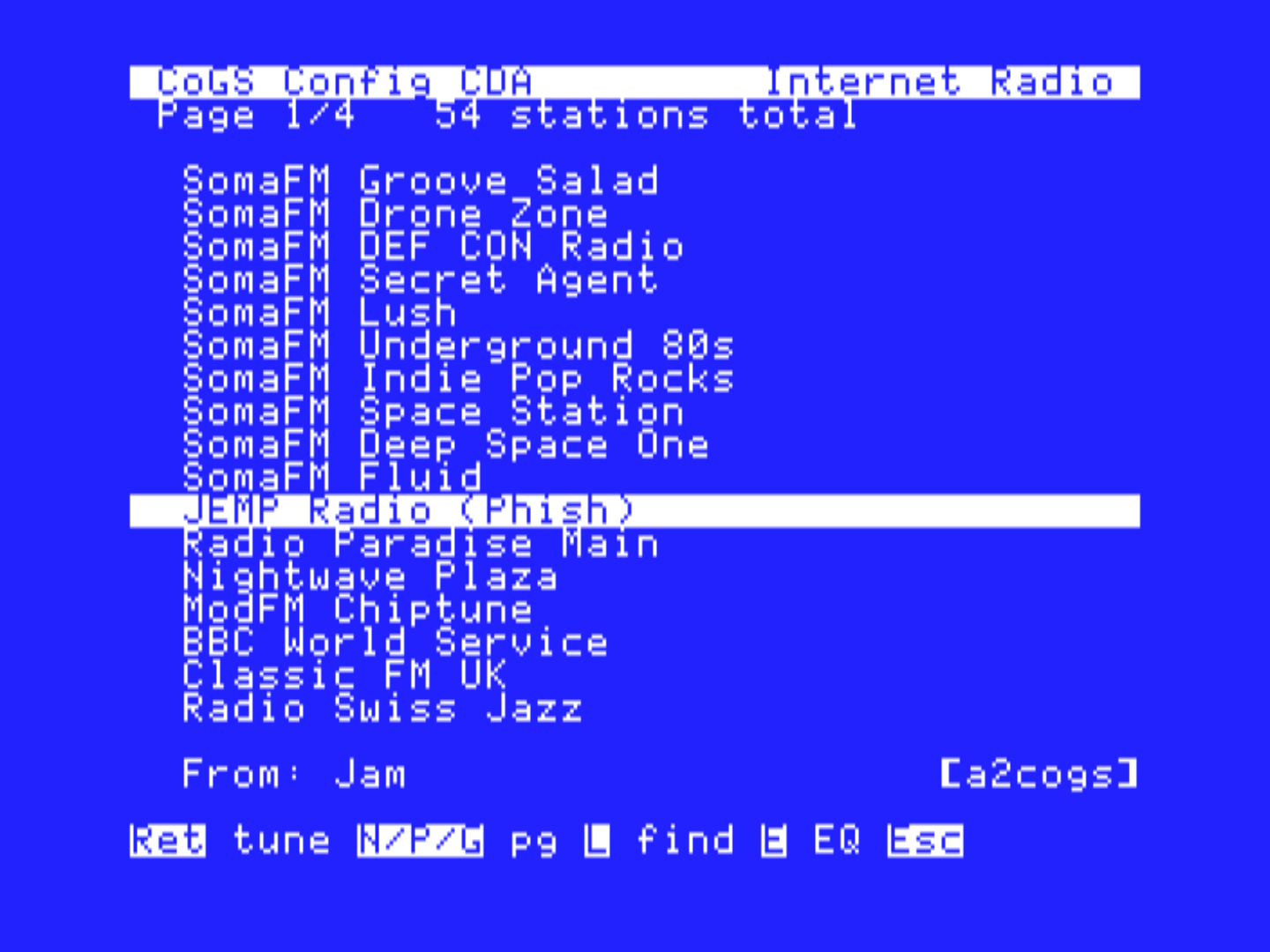
On a IIGS the card does two more things. It streams audio through the Ensoniq: SoundSmith songs from the demo scene, PCM tracks, and live internet radio, which the card decodes on the fly, with EQ, shuffle, playlists, and background play while you use the desktop. And it serves pictures as the raw bytes the video hardware wants, so pressing V on any disk fills the screen with its box art or title screen, in Super Hi-Res, HGR, or double hi-res, with a slideshow mode for browsing. Under GS/OS the card installs its own desk accessory, CoGS Config, into a running system, and a Control Panel device and status NDA ship on the CoGS boot disk. A Marinetti link layer lets the card stand in for an Ethernet card, so Marinetti applications (web, FTP, Telnet, email) run over the card's Wi-Fi or Ethernet with the TCP/IP control panel set to CoGS.
For your own disk images, the CoGS Image Manager, a Mac application, shares a folder of disk images, audio, and pictures over the LAN. The card lists that share as a source beside the public catalog, your folders become categories on the Apple, and shared volumes can be writable, so the Finder padlock follows a switch on the Mac. Any HTTP server that answers range requests also works as a source.
For programmers the card is a set of services behind a small frame protocol: TCP sockets and DNS, HTTPS GET with TLS 1.2 and 1.3 terminated on the card, a JSON walker that pulls one value out of a response by path, SHA-256 hashing, a hardware random number source, a time service, and a nonce scanner for proof-of-work experiments. GS Miner and GS-LLM, both on this site, use them, and the Technical Reference has worked examples in 65816 assembly, ORCA/C, and cc65.
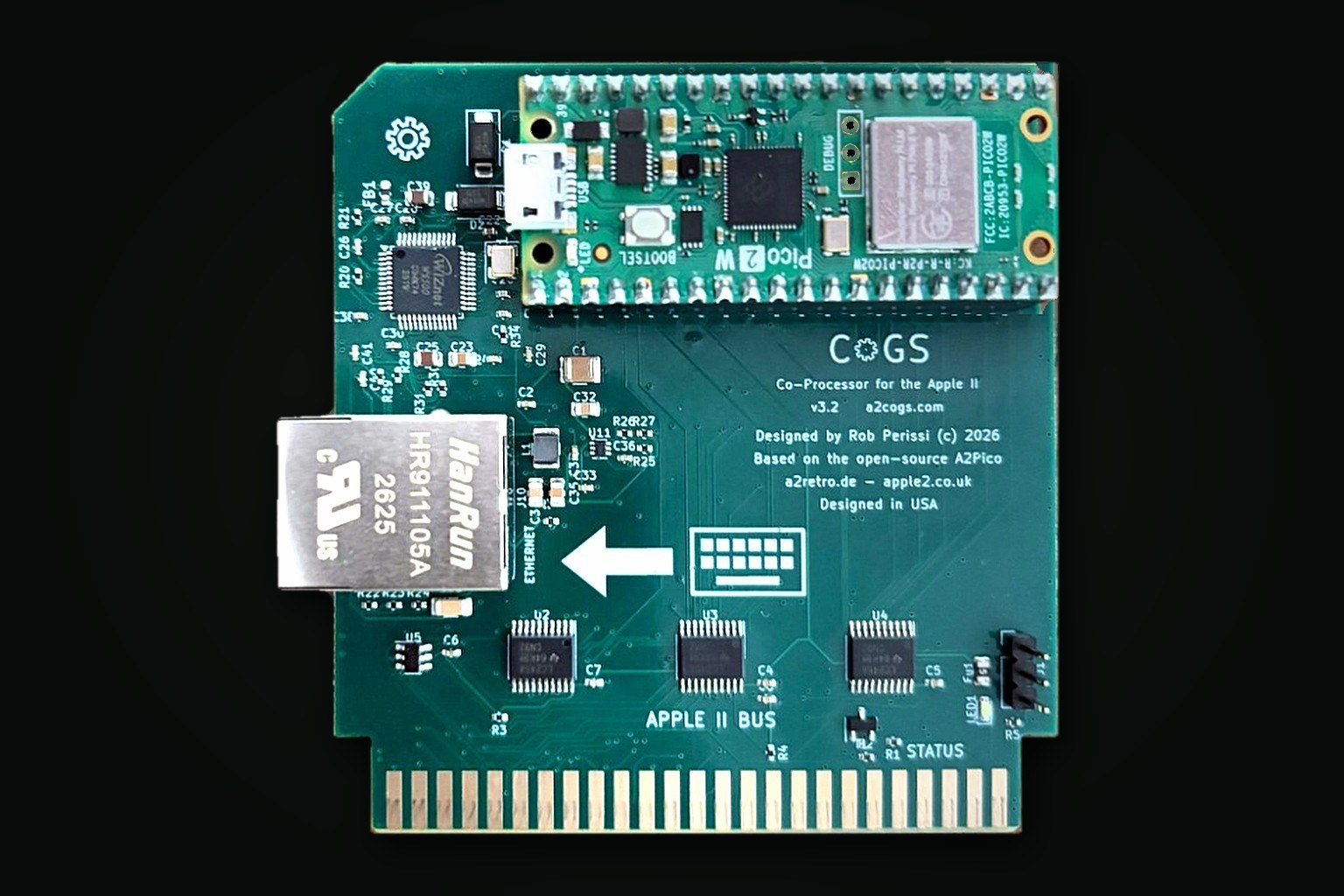
The hardware is a Rev 3.2 production board with the Pico 2 W fitted and the firmware loaded, three 74LVC245 bus transceivers, a W5500 for 10/100 Ethernet beside the Pico's 802.11n radio, and a slot and shared ROM. Firmware updates are installed over the air from the card's own menu, or by USB as a UF2. Documentation is two books rebuilt with each firmware release: an Owner's Manual for installing and using the card, and a Technical Reference covering the register map, frame protocol, every command and event, the network disk, bus timing rules, and the board pin by pin. The card sells for $79 plus shipping through MacEffects and Joe's Computer Museum. If a shop is out of stock, the notify list at a2cogs.com sends one email when the next batch is ready.
Downloads
- a2cogs.com, the CoGS home page ↗
- Get a card: resellers and stock notify list ↗
- Buy at MacEffects ↗
- Buy at Joe's Computer Museum ↗
- Owner's Manual (PDF) ↗
- Technical Reference (PDF) ↗
- Documentation, read online ↗
- Downloads: firmware, CoGS Image Manager, boot disk, util kit ↗
- Try the card's menus in the browser ↗
- Browse the streaming catalog ↗
- Stream It: this archive on a CoGS card
Photos