Stream this archive to a real Apple IIGS
Every downloadable title here can be mounted directly over the network by an Apple II with a CoGS card, or a card running the CoGS engine. The card fetches disk blocks on demand over HTTPS, so a real IIGS boots software from this archive the way it once booted floppies, without a single disk image copied by hand.
- Get a card. CoGS is a co-processor and network card for any slotted Apple II. The same network engine is being brought to other A2Pico-based cards.
- Point it at the catalog. In the card's built-in config menu (press C at boot), open Image Source and enter this site's streaming index, or use S)can to find a local share.
- Browse Disks, pick a title, boot. The card streams blocks as the machine asks for them, with local caching to keep it fast.
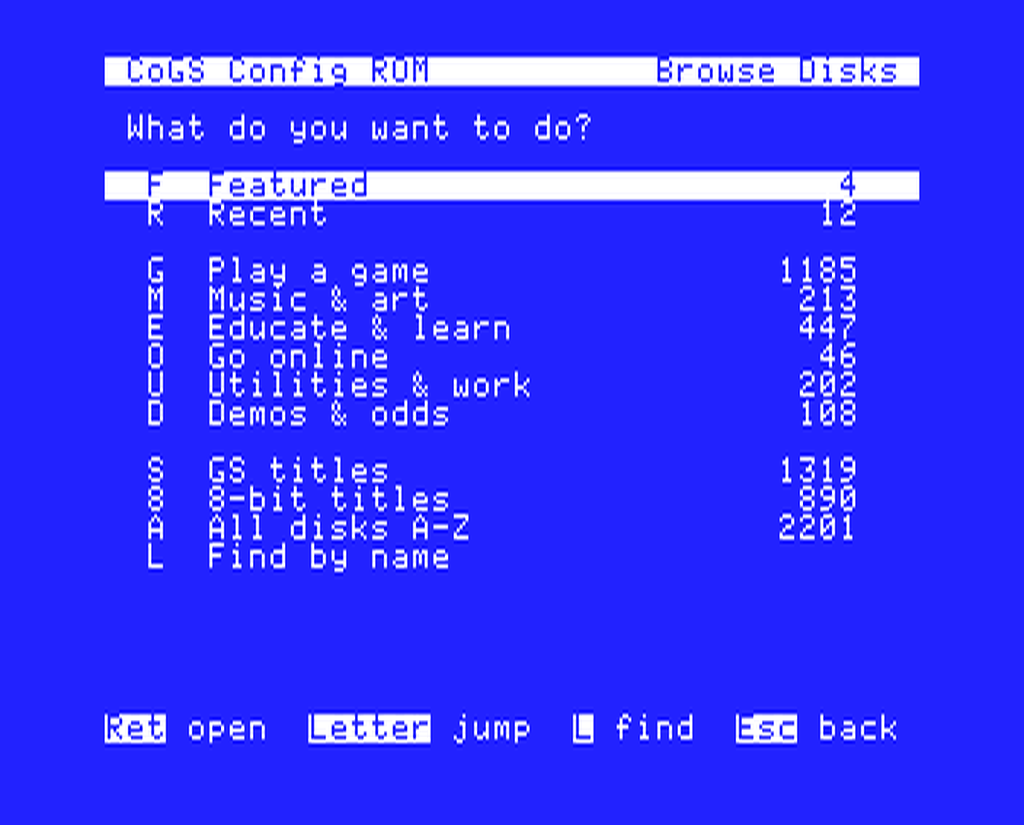
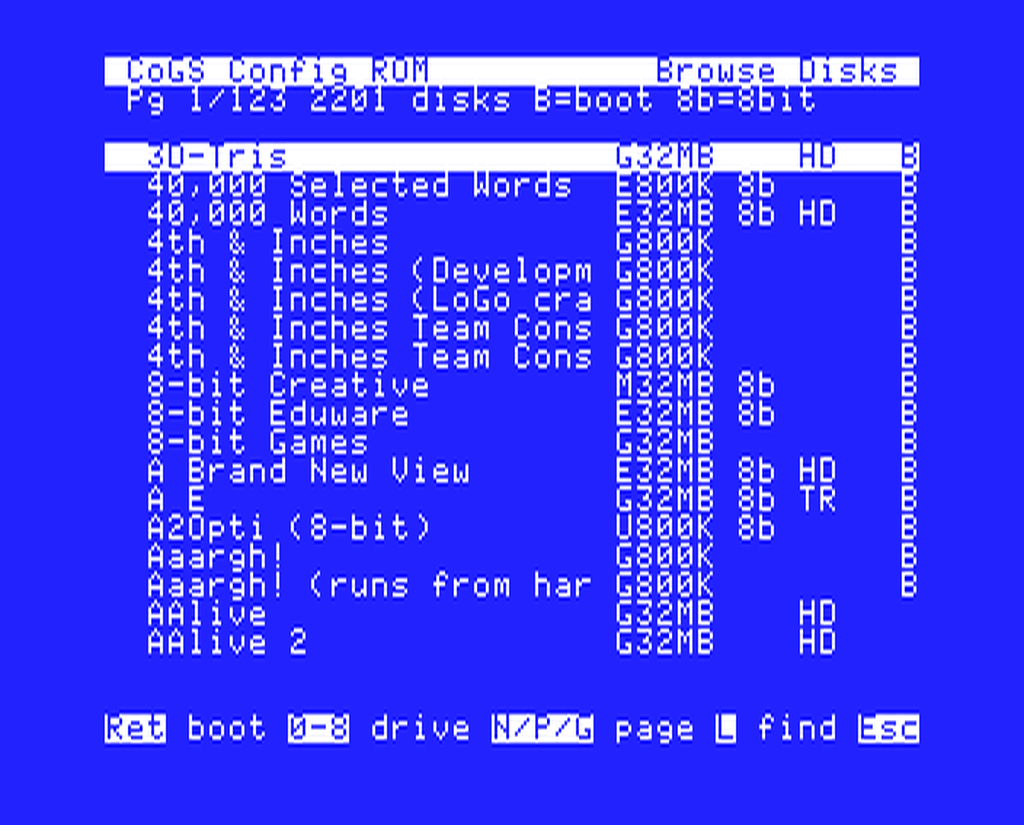
The streaming catalog is generated from the same data as these pages, so new additions show up on real hardware automatically. Of the 2,442 disks, 1,004 are 8-bit Apple II software (Total Replay, the MECC library, and more); those are listed on the 8-bit disks page.
CoGS project: a2cogs.com