Browse / Applications: Utilities
GS Commander
| Year | 2026 |
|---|---|
| Publisher | Walter Tengler |
| Developers | Walter Tengler |
| RAM Requirement | 1.25 MB |
| Control | Keyboard, Mouse |
| Other Requirements | System 6 (GS/OS). 800K ProDOS disk, not bootable. Launch GS Commander from the Finder. |
| System 6 Compatible | Yes |
| Hard Drive Installable | Yes |
| Release Status | Free download. v1.2.2 (9 November 2026) |
About
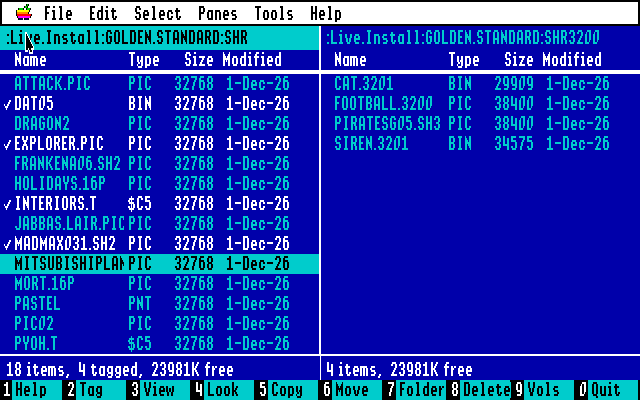
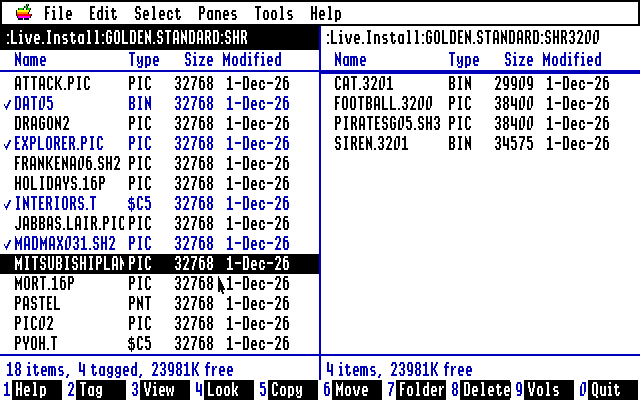
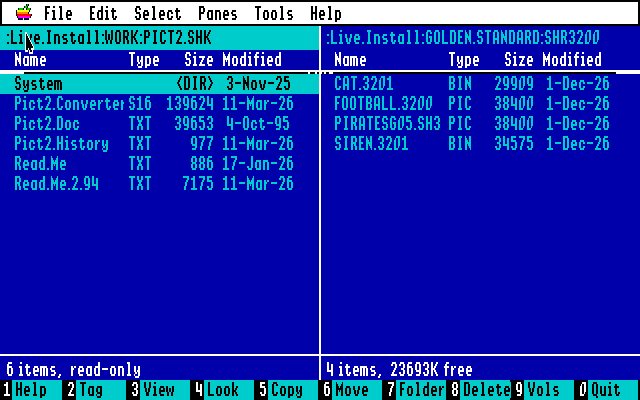
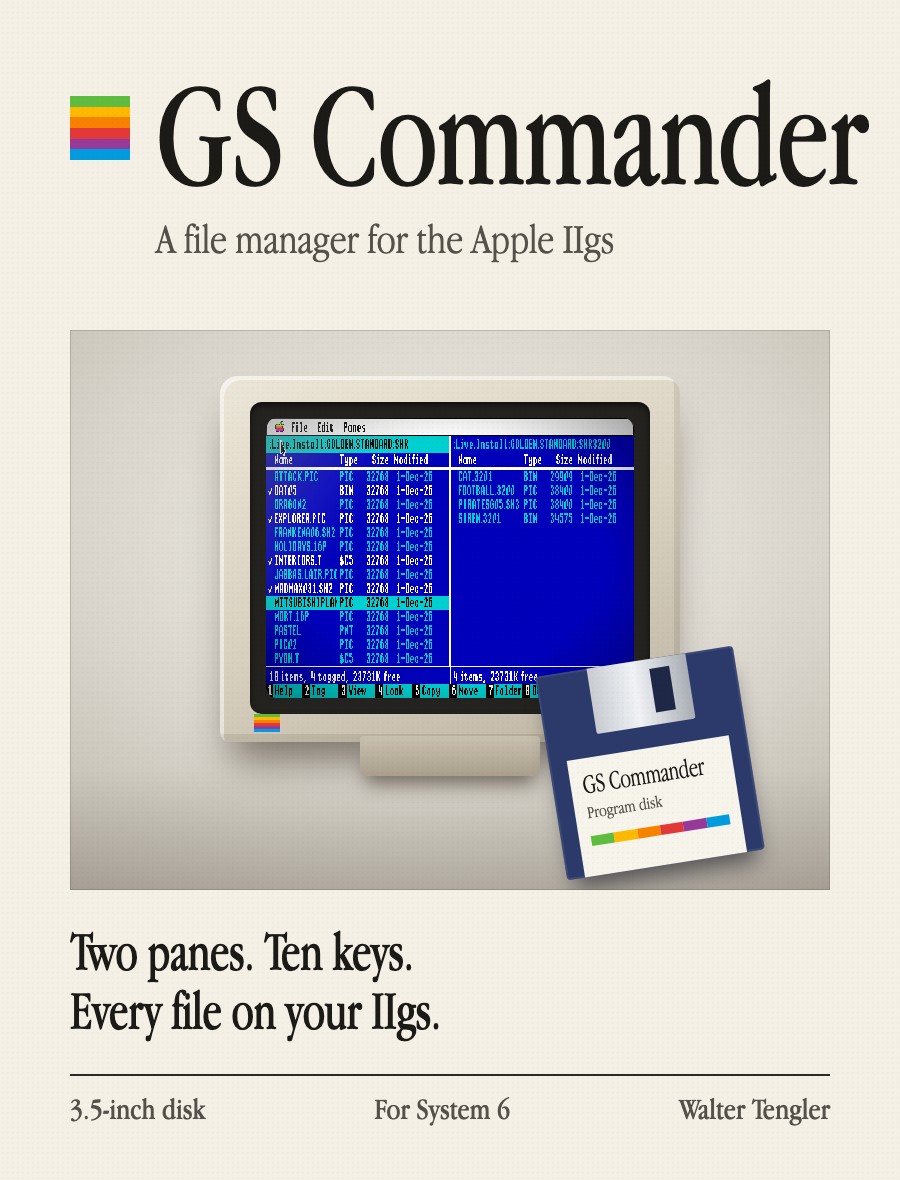
GS Commander is Walter Tengler's two-pane file manager for GS/OS, in the manner of Norton Commander on the PC. Version 1.2.2 came out on 9 November 2026. It runs on the Super Hi-Res desktop in 640 mode with a folder in each pane and a bar of ten numbered keys along the bottom for Help, Tag, View, Quick Look, Copy, Move, New Folder, Delete, Volumes and Quit. Copy, Move and Delete act on the tagged files, or on the one under the bar, and keep file types, aux types, dates and resource forks. Everything works from the keyboard, and the mouse can click, tag with Apple-click or Shift-click, and drag between panes. The panes come in Norton blue, Apple IIgs white or MS-DOS gray on black, with an optional IBM PC font. It is written in 65816 assembly with Merlin 32.
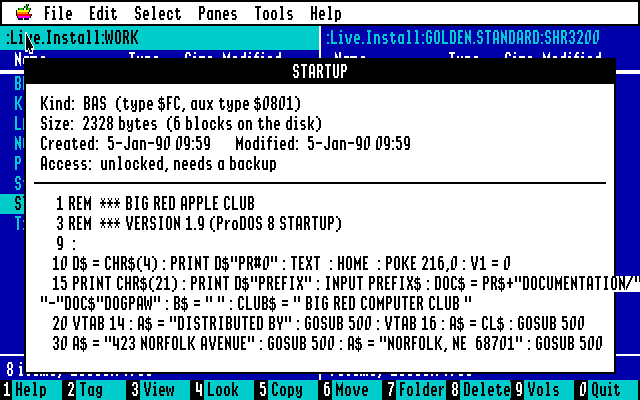
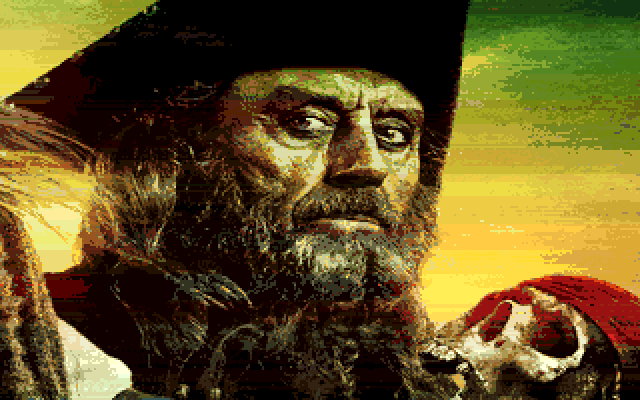
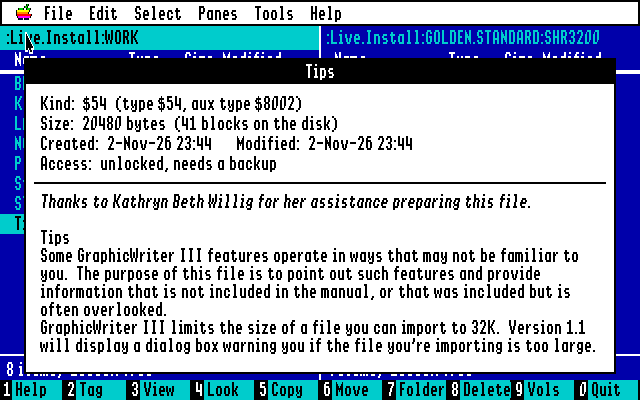
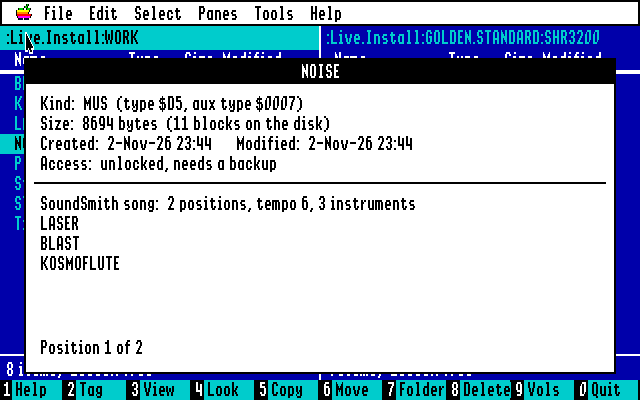
Quick Look (Space) shows what a file is and what is in it. Pictures open full screen in every format MegaconvertGS can load, because its loaders are built in, from HiRes and Super Hi-Res to 3200-color, Amiga IFF, MacPaint, PNG and JPEG. AppleWorks, AppleWorks GS, Teach, MultiScribe, BeagleWrite and GraphicWriter documents show their text, some in their own fonts and styles. BASIC programs come out as listings, and program files are disassembled as 65816 or 6502 with Toolbox, GS/OS and ProDOS calls named. Sampled sounds, ASIF instruments, HyperStudio sounds and AIFF play on the Ensoniq, as do SoundSmith songs and, new in this release, Amiga MOD songs.
Disk images (.PO, .HDV, .2MG, .DSK, .DO), DOS 3.3 disks, ShrinkIt, Binary II and ZIP archives open like folders. It can turn a folder into a ProDOS disk image or a ShrinkIt archive and write an image back to a real 3.5" or 5.25" disk. Find, Compare Panes, Folder Sizes, Rename Tagged, an Info pane and a searchable list of 448 file kinds round it out. A 68-page User's Guide in the style of Apple's 1986 manuals comes with it.
The disk is an 800K ProDOS image with the program, a ReadMe, the IBM Klone font and an Icons folder. It does not boot by itself. Boot System 6, open the disk and double-click GS Commander, or copy it to a hard disk. This archive hosts the 1.2.2 disk and guide; the project page always has the current one.
Downloads
- GS Commander project page (screenshots, guide, download) ↗
- Download v1.2.2 disk (800K ProDOS .po, zip)
- User's Guide (68 pages, PDF)
Screenshots