Browse / Games: Adventure · Games: Free/Shareware
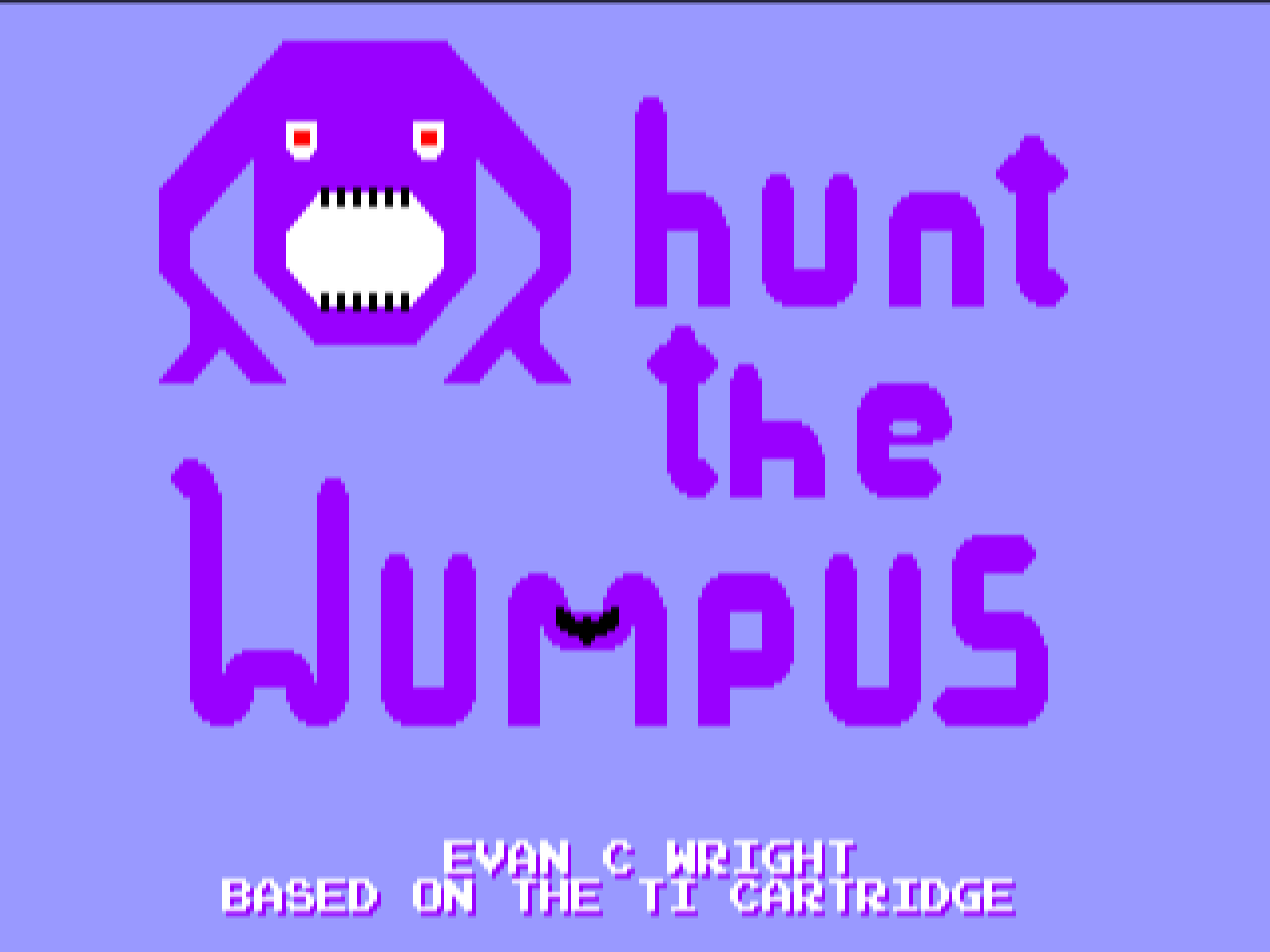
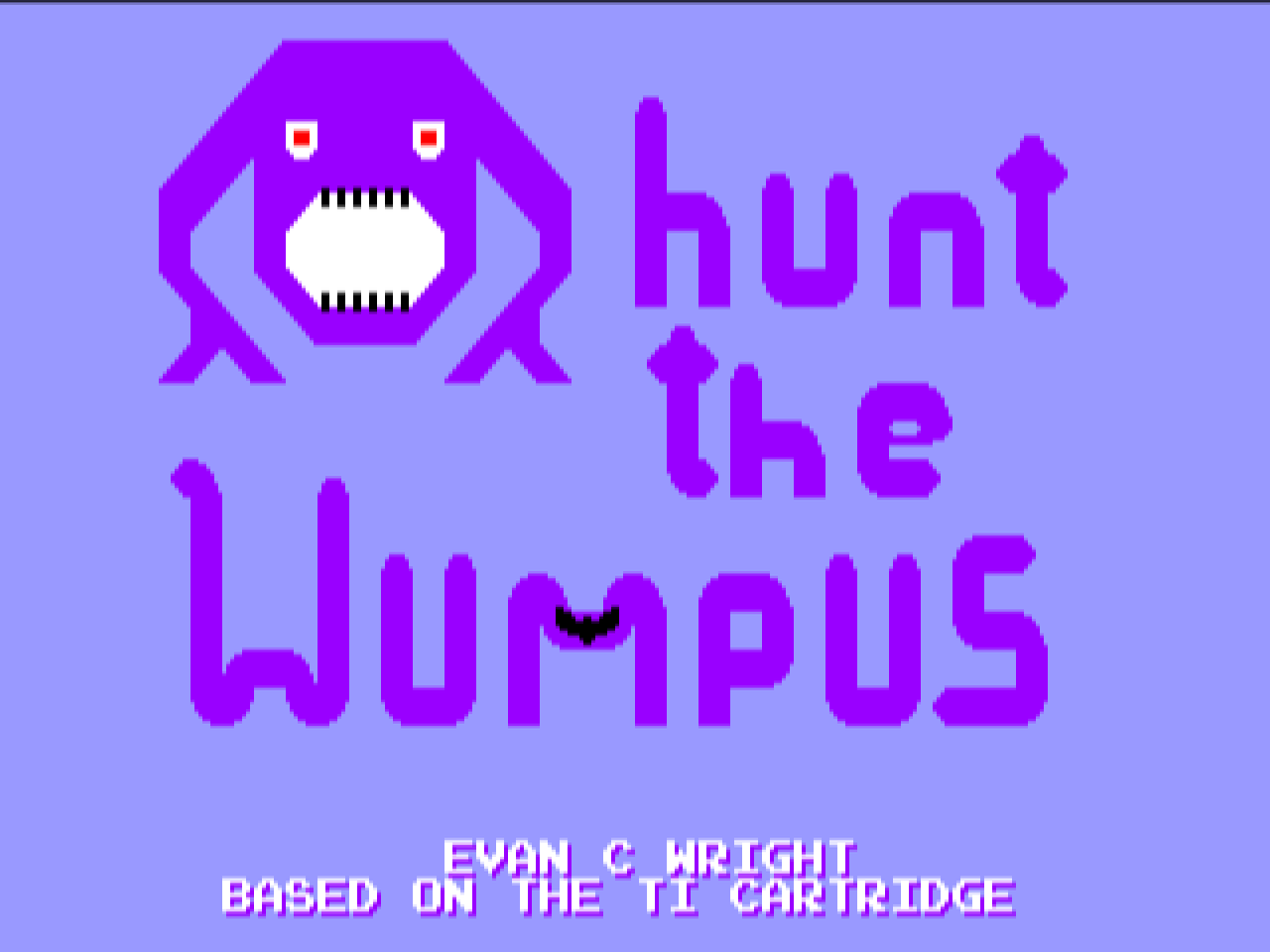
Hunt the Wumpus GS
| Year | 2026 |
|---|---|
| Publisher | Lucas Scharenbroich (silky-gs) |
| Developers | Lucas Scharenbroich (IIGS port); Evan C. Wright (original) |
| Control | Keyboard, Joystick, SNES MAX |
| Other Requirements | GS/OS. 800K data disk, not bootable: mount it next to a System 6 boot disk and launch WumpusGS from the Finder. Also a folder on the SilkyGS port pack volume. |
| System 6 Compatible | Yes |
| Hard Drive Installable | Yes |
| Release Status | Free download (the port, Apache-2.0 source); the game itself is copyright Evan C. Wright |
About
Hunt the Wumpus is Evan C. Wright's NES homebrew (Wumpus, on itch.io) of Kevin Kenney's 1980 TI-99/4A cartridge, itself a graphic version of Gregory Yob's 1973 cave game. You move room to room through a maze, read the warnings (a draught, a smell, the squeak of bats), work out where the Wumpus is and fire an arrow into its room before you walk into it or fall down a pit.
It is one of the eleven games in the first SilkyGS port pack (v0.0.1, 24 October 2026; updated to v0.0.2 on 26 October) by Lucas Scharenbroich. silky-gs is not an emulator. Each game's 6502 code is disassembled, converted to Merlin32 source and patched by hand so it runs natively on the 65816; the runtime stands in for the NES hardware, catching the PPU and APU register writes, drawing the screen to Super Hi-Res with compiled tiles and sprites, and playing the two pulse channels, triangle and noise on the Ensoniq. The DMC sample channel, sprite 0 hit and mid-frame raster tricks are not implemented; the split-screen status bars get a per-game render routine instead. Scharenbroich's own description is of a code lineage unbroken since 1998 that started using AI tools in 2026.
Default keys: arrows for the d-pad, Apple (Command) for A, Option for B, Return for Start and Tab for Select; player 2 has W A S D, Control and Shift. A joystick and the SNES MAX card are supported too. ? opens the configuration screen (audio update rate, FPS counter, fast blit, key map, joystick calibration, keyboard driver), R resets the game, Q quits. Buttons can be remapped on keyboard and joystick since 0.0.2, which also fixed the 0.0.1 keyboard problem where button presses interfered with the arrows and could lock up a real machine. Settings are saved in a .prefs file next to the application. The 800K disk below holds the one S16 file, a README and its icon; mount it next to a GS/OS boot disk and launch it from the Finder, or install it on a hard drive. The same program is a folder on the SilkyGS port pack volume.
Downloads
- WumpusGS.2mg on GitHub (800K ProDOS, release v0.0.2) ↗
- WumpusGS.2mg, a2cogs mirror (800K ProDOS)
- SilkyGS port pack v0.0.2 release page ↗
- silky-gs source on GitHub ↗
Screenshots