Browse / Applications: Utilities · Applications: Creative Visual
MegaconvertGS
| Year | 2026 |
|---|---|
| Publisher | Walter Tengler |
| Developers | Walter Tengler |
| RAM Requirement | Depends on the picture; tested with 4 MB |
| Control | Mouse, Keyboard |
| Other Requirements | GS/OS, tested with System 6.0.4. 800K ProDOS data disk, not bootable. Launch MegaconvertGS from the Finder. |
| System 6 Compatible | Yes |
| Hard Drive Installable | Yes |
| Release Status | Free download, source on GitHub. v0.5 (28 October 2026) |
About
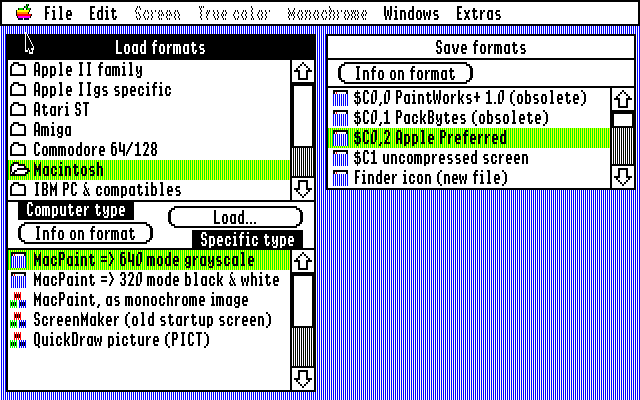
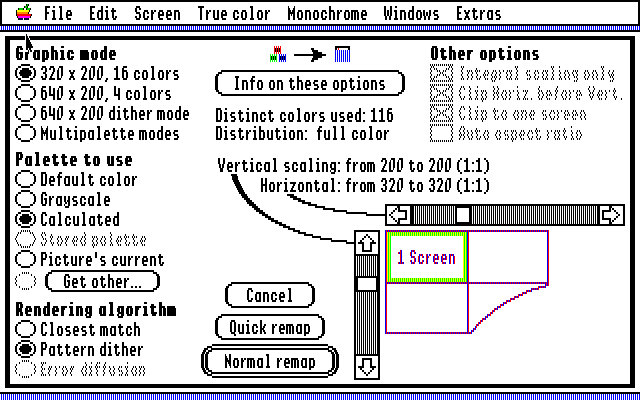
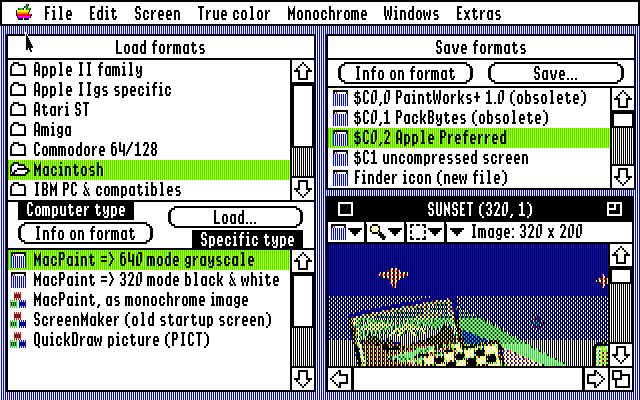
MegaconvertGS is Walter Tengler's image converter for the Apple IIGS, published on GitHub on 28 October 2026. It is a successor to Super Convert, the Seven Hills converter by Jason Harper and Ian Brumby, released with Ian Brumby's permission. The code is new, written from scratch in 65816 assembly for GS/OS, and it follows Super Convert window for window: the Load formats and Save formats lists, the Remap dialog, the True color and Monochrome menus, the image window and the Extras. Where GS Remap, the modern reimplementation of Super Convert's conversions, has a function, MegaconvertGS gives the same result pixel for pixel.
It opens nearly 70 picture formats from fourteen kinds of computer. Apple II hi-res and double hi-res, Print Shop graphics, ThunderScan and Works of Art pages. IIGS Super Hi-Res in its $C0 and $C1 forms, PaintWorks, DreamGrafix 256 and 3200, Print Shop IIGS, Finder icons, AST and ComputerEyes digitizer files and 3200-color pictures. Atari ST Degas, Neochrome, Tiny and Spectrum 512. Amiga IFF ILBM with HAM, Extra HalfBrite and 24-bit. Commodore 64 Doodle, Koala, Art Studio, FLI Graph and Amica Paint. MacPaint and QuickDraw PICT. PC BMP, PCX, GEM IMG and DeluxePaint LBM. Sun Rasterfile, SGI and PBM. Amstrad CPC, Atari 8-bit, MSX and ZX Spectrum screens. And the modern formats, PNG, JPEG (baseline and progressive), GIF, TIFF and Targa. PICT, Targa, TIFF, progressive JPEG and the CPC, Atari 8-bit, MSX and Spectrum formats are new; Super Convert never had them.
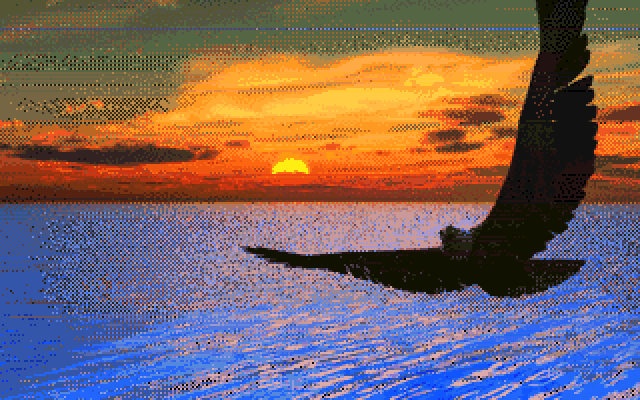
A true colour picture is remapped to the screen in 320 mode, 640 mode, 640 dither or multipalette (a palette for every line), with a calculated, default, grey or stored palette and closest match, pattern dither or error diffusion rendering, at any scale. The True color menu has histogram equalization, median, sigma, emboss, blur, sharpen, solarize, find edges, contrast, rotate and flip. Monochrome conversion offers error diffusion, pattern dither, threshold and halftone. Load & convert runs through many files or a whole folder and can save each one automatically. Saving covers Apple Preferred, $C1, PackBytes, PaintWorks, Finder icons, icon resources, a desktop background INIT, hex data, GIF, PNG, TIFF and BMP.
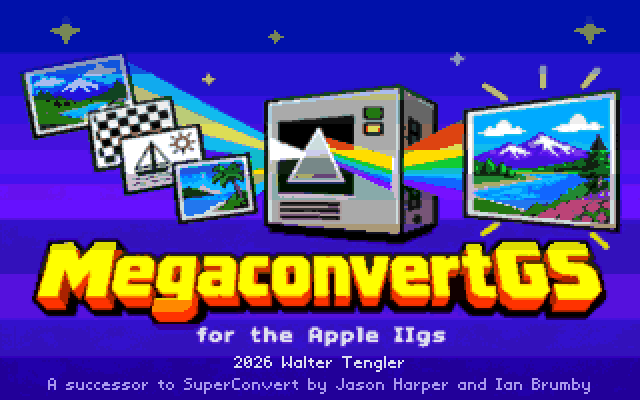
The disk is an 800K ProDOS image with the program, MCGS.Help, the MCGS.Title picture and an Icons folder. It does not boot by itself. Boot System 6, open the disk and double-click MegaconvertGS, or copy the files into one folder on a hard disk. Preferences go in MCGS.Prefs beside them. The author tests it in MAME at 2.8 MHz, where opening a 700 by 500 PNG takes about a minute and a 640 mode remap to 320 mode about eleven seconds, and he is asking for reports from real hardware. This archive hosts the v0.5 disk; the release page always has the current one.
Downloads
- MegaconvertGS on GitHub (source, README with the full format list) ↗
- Latest release (MegaconvertGS.po, 800K ProDOS) ↗
- Download v0.5 disk (800K ProDOS .po, zip)
- Project page with examples ↗
Screenshots