Browse / Games: Action · Games: Free/Shareware
Super Mario Bros. GS
| Year | 2026 |
|---|---|
| Publisher | Lucas Scharenbroich (silky-gs) |
| Developers | Lucas Scharenbroich (IIGS port); Nintendo (original, 1985) |
| Control | Keyboard, Joystick, SNES MAX |
| Other Requirements | GS/OS. 800K data disk, not bootable: mount it next to a System 6 boot disk and launch SuperMarioGS from the Finder. Also a folder on the SilkyGS port pack volume. |
| System 6 Compatible | Yes |
| Hard Drive Installable | Yes |
| Release Status | Free download (the port, Apache-2.0 source); the game itself is copyright Nintendo |
About
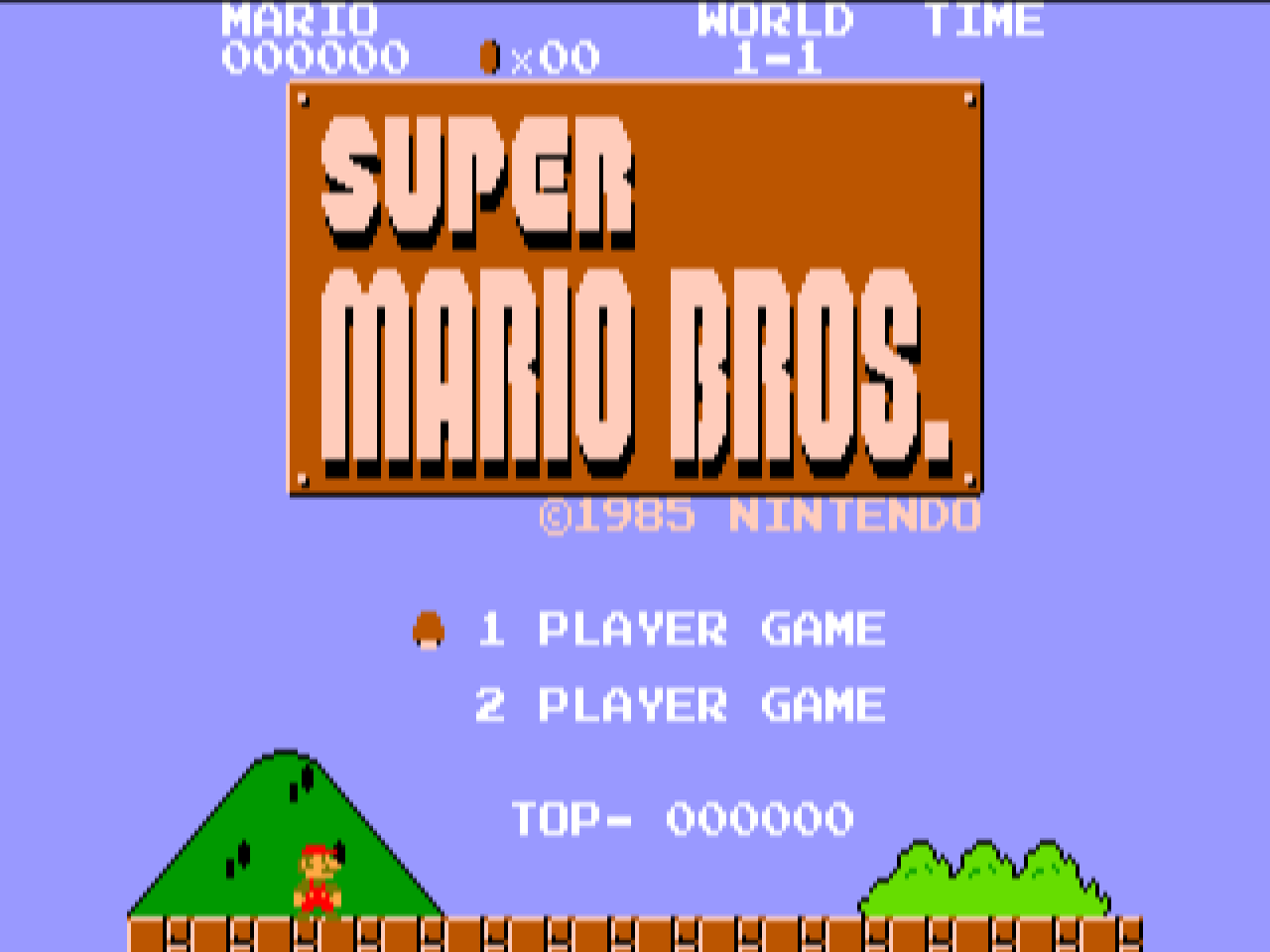
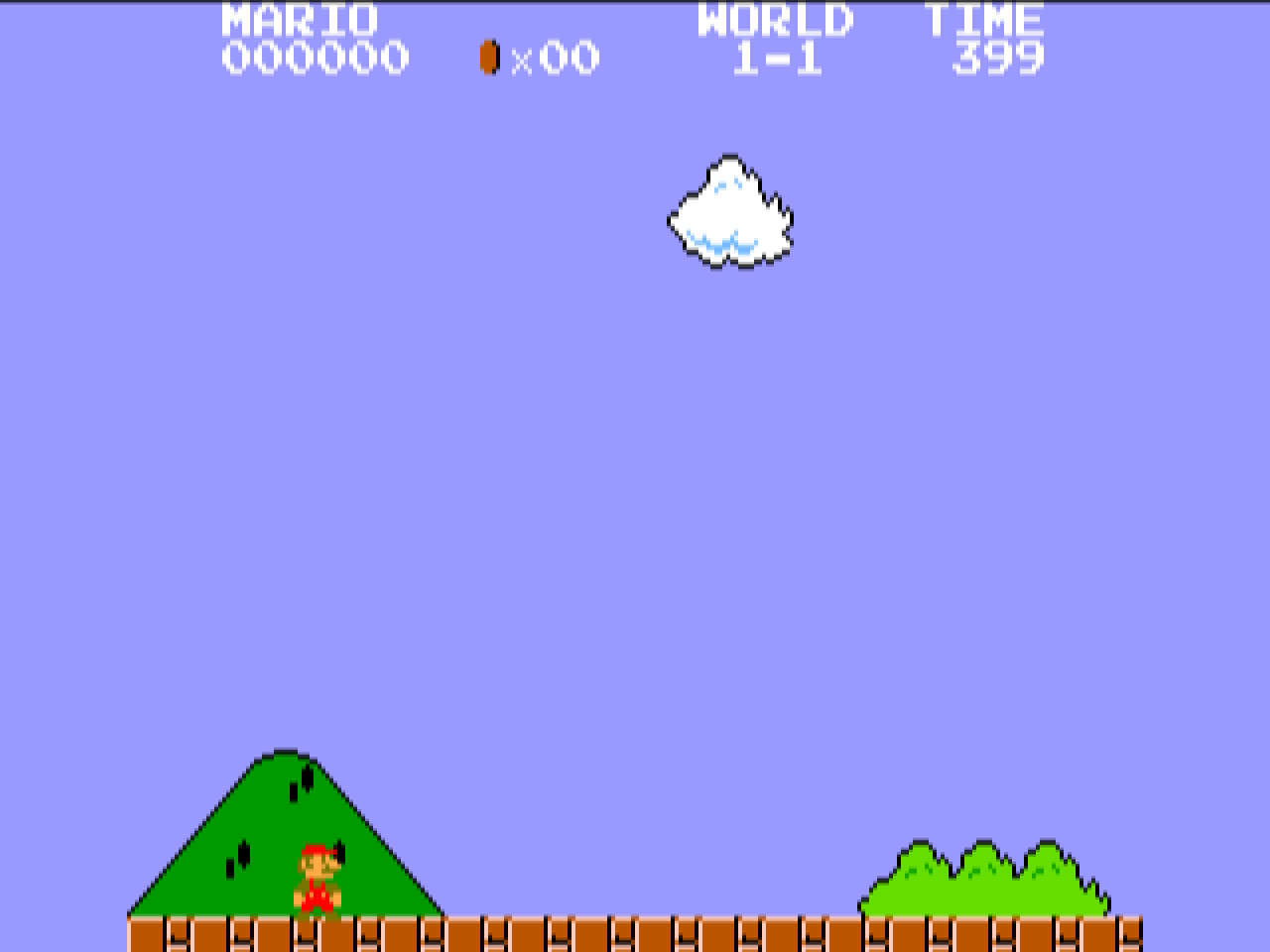
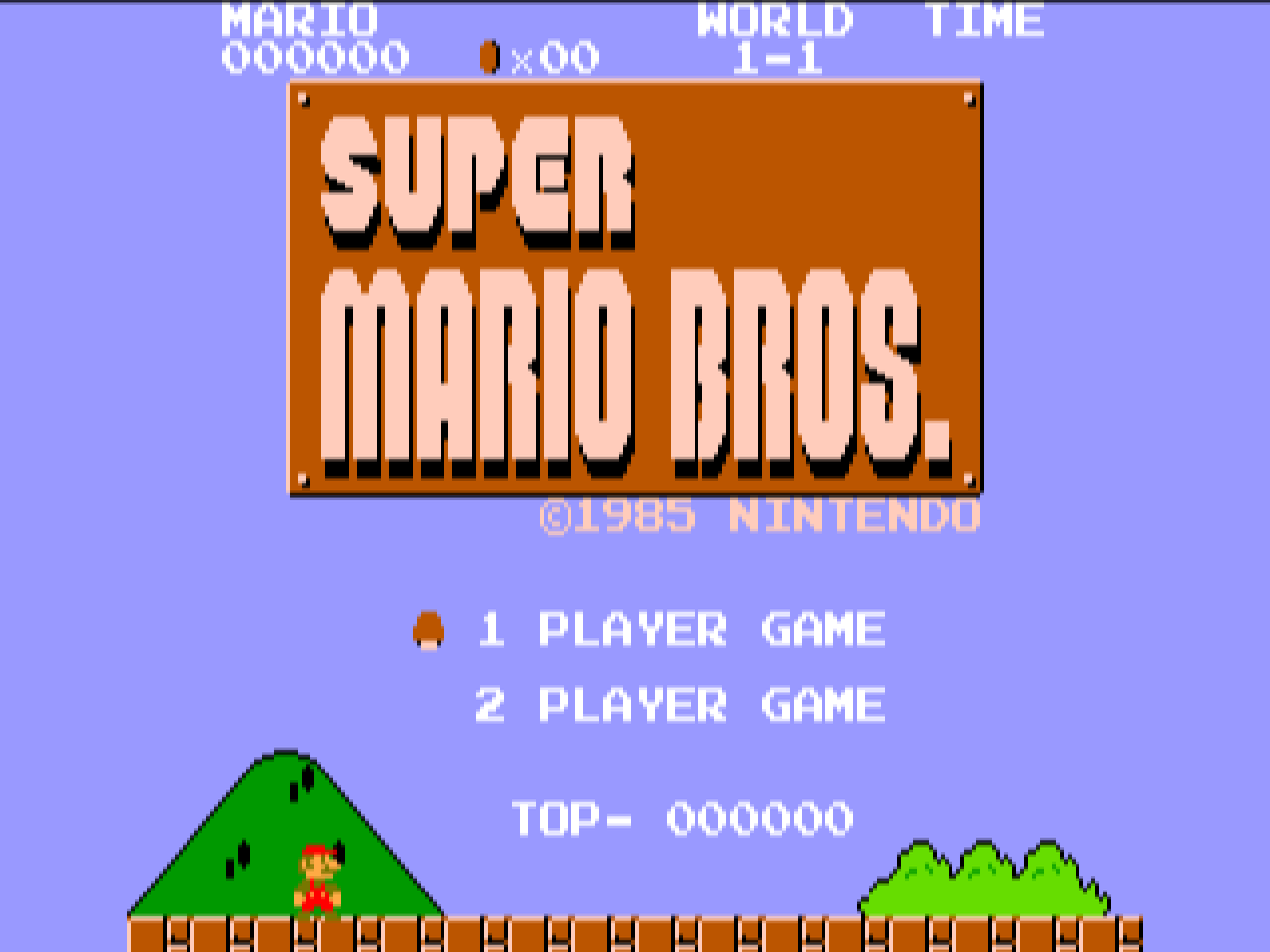
Super Mario Bros. is the 1985 Nintendo side-scroller: eight worlds of four stages, Goombas, Koopas, warp pipes and the flagpole at the end of each level. One or two players take turns.
It is one of the eleven games in the first SilkyGS port pack (v0.0.1, 24 October 2026; updated to v0.0.2 on 26 October) by Lucas Scharenbroich. silky-gs is not an emulator. Each game's 6502 code is disassembled, converted to Merlin32 source and patched by hand so it runs natively on the 65816; the runtime stands in for the NES hardware, catching the PPU and APU register writes, drawing the screen to Super Hi-Res with compiled tiles and sprites, and playing the two pulse channels, triangle and noise on the Ensoniq. The DMC sample channel, sprite 0 hit and mid-frame raster tricks are not implemented; the split-screen status bars get a per-game render routine instead. Scharenbroich's own description is of a code lineage unbroken since 1998 that started using AI tools in 2026.
Default keys: arrows for the d-pad, Apple (Command) for A, Option for B, Return for Start and Tab for Select; player 2 has W A S D, Control and Shift. A joystick and the SNES MAX card are supported too. ? opens the configuration screen (audio update rate, FPS counter, fast blit, key map, joystick calibration, keyboard driver), R resets the game, Q quits. Buttons can be remapped on keyboard and joystick since 0.0.2, which also fixed the 0.0.1 keyboard problem where button presses interfered with the arrows and could lock up a real machine. Settings are saved in a .prefs file next to the application. The 800K disk below holds the one S16 file, a README and its icon; mount it next to a GS/OS boot disk and launch it from the Finder, or install it on a hard drive. The same program is a folder on the SilkyGS port pack volume.
Downloads
- SuperMarioGS.2mg on GitHub (800K ProDOS, release v0.0.2) ↗
- SuperMarioGS.2mg, a2cogs mirror (800K ProDOS)
- SilkyGS port pack v0.0.2 release page ↗
- silky-gs source on GitHub ↗
Screenshots